

API Suppliers
APImetrics can monitor your API suppliers to show you how their end is running and allow you to explore our features without needing to set up any monitors yet.
New Accounts
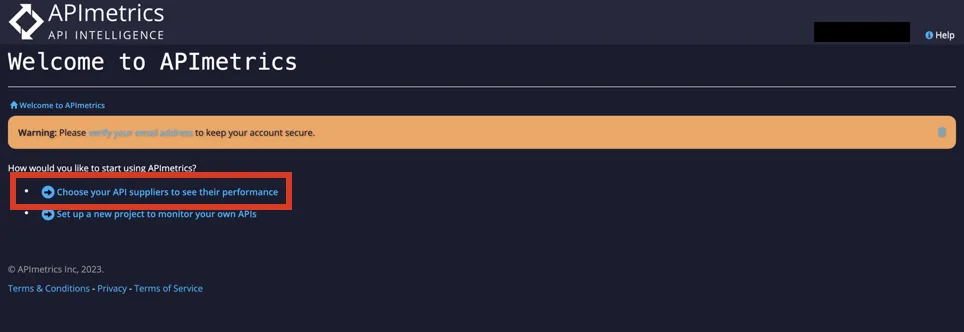
After creating a new account, choose the API Suppliers option to select your suppliers.
Existing Accounts
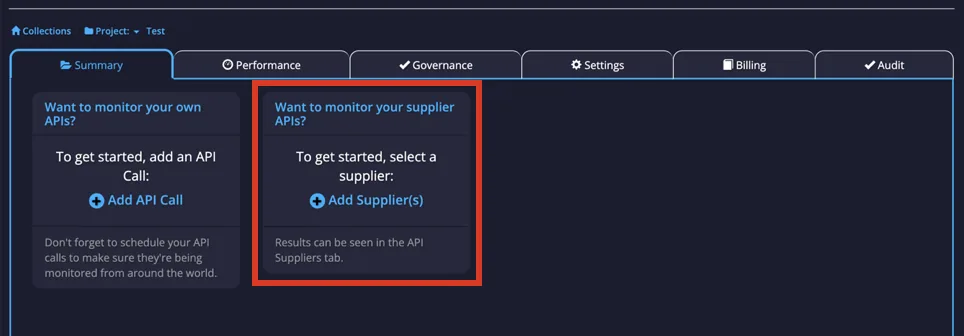
In your Project Home, a card will appear asking if you want to set up API suppliers. Select Add Supplier(s) and this will take you to the API Supplier configuration page.
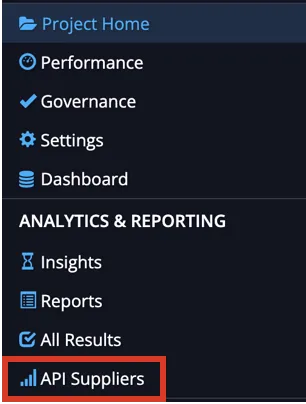
Or you can update and configure your API suppliers from the sidebar. Select API Suppliers under Analytics & Reporting.
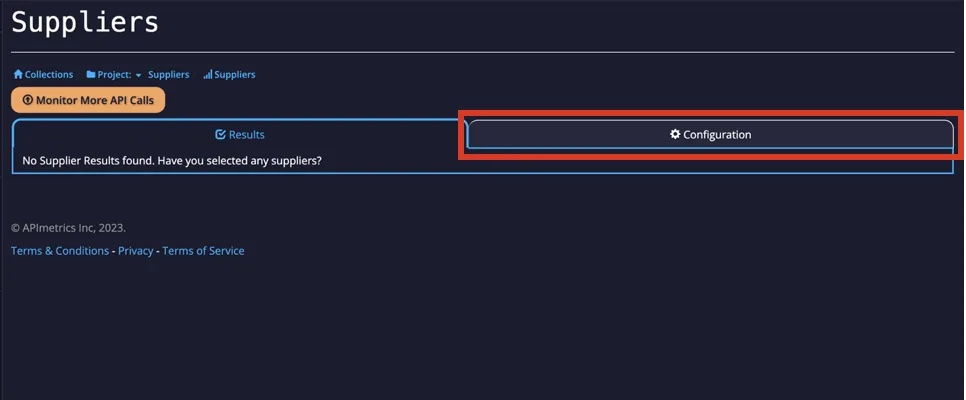
From here, it will show you if you already have any API suppliers set up. If you want to change any or set up any, go to the Configuration tab at the top of the page.
From here, you can look through the available suppliers by choosing the category and seeing the available options or using the search bar at the top if there is a certain supplier you want.
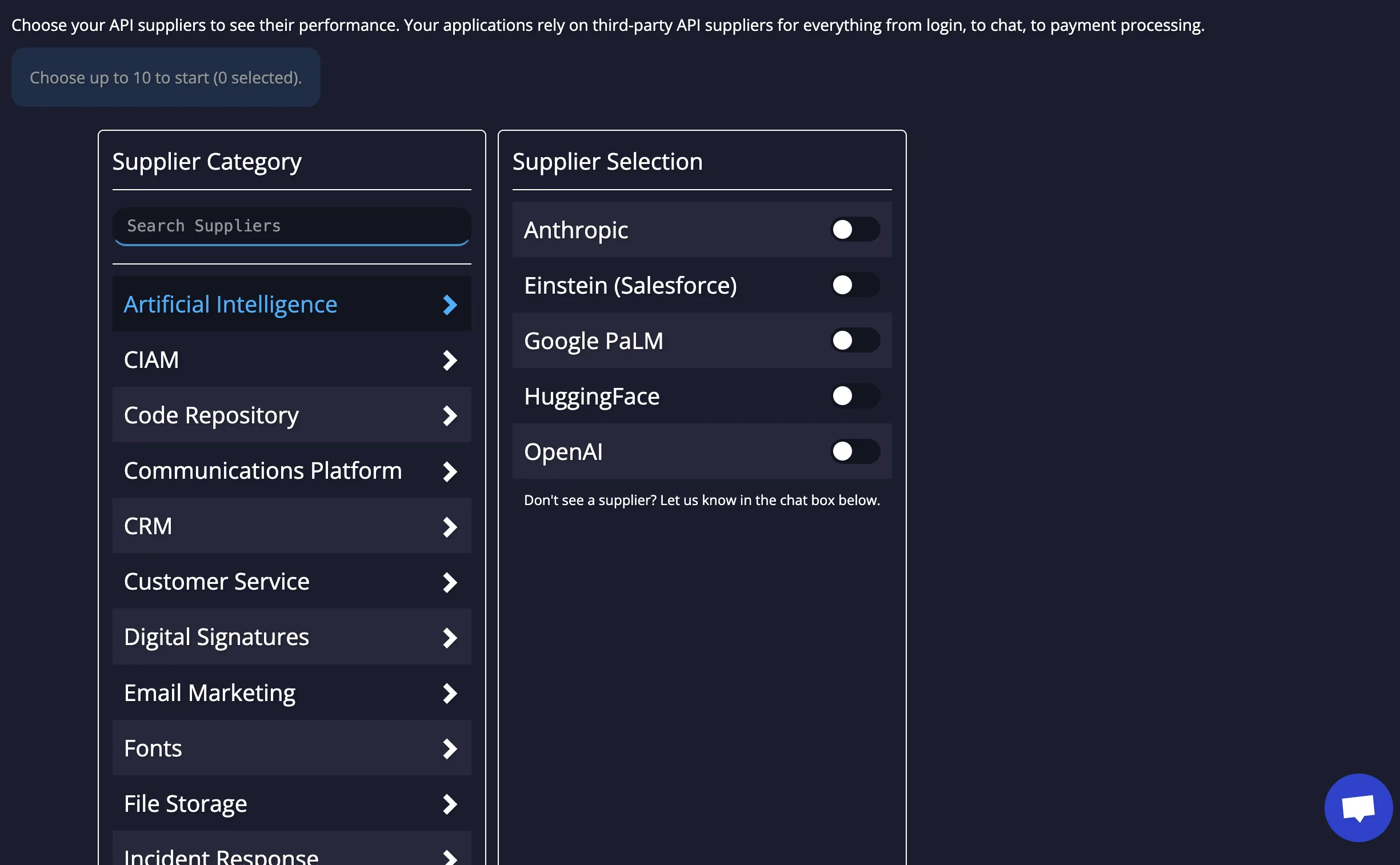
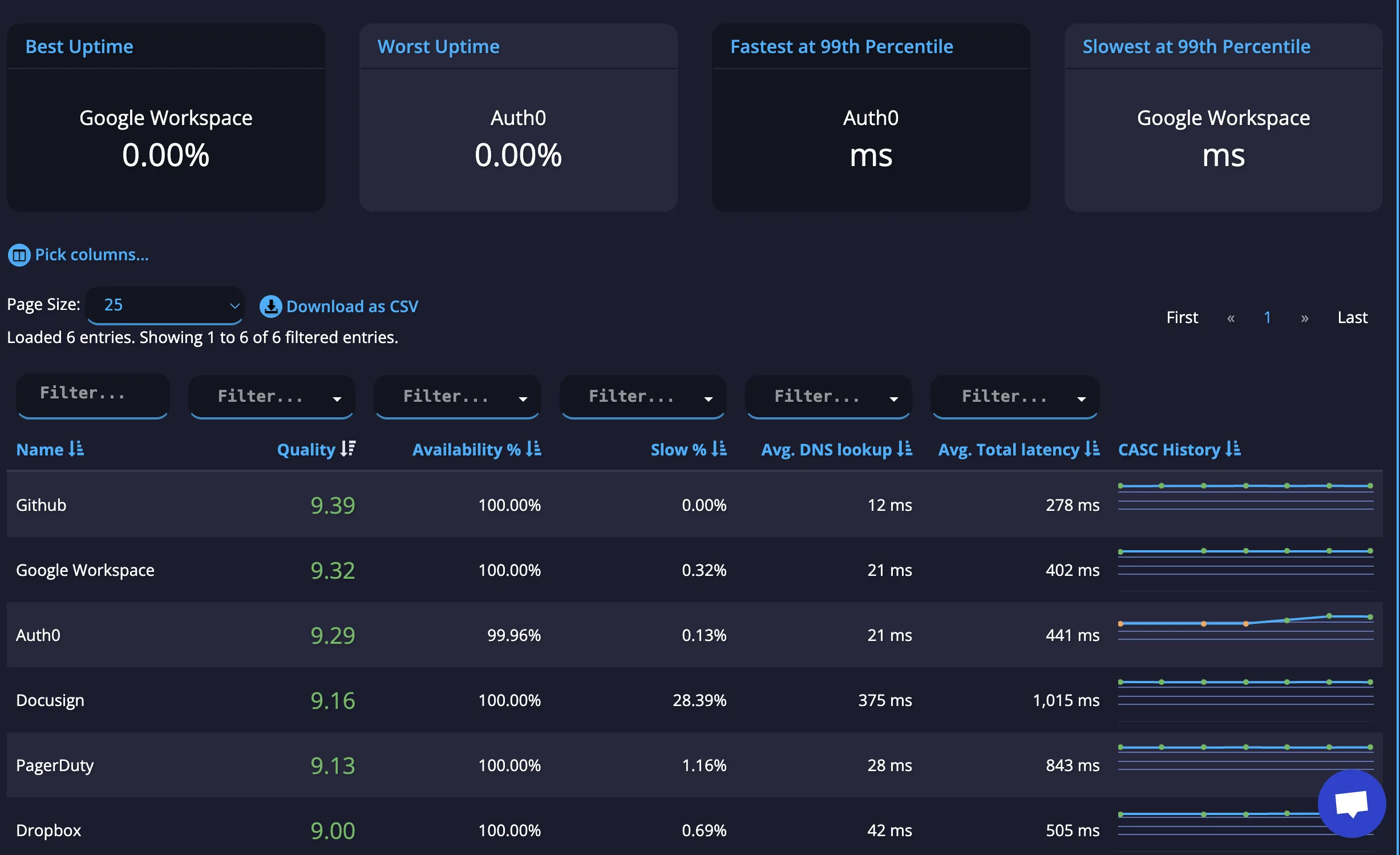
Turn on up to ten of the ones you want and we'll start monitoring these for you, right in your API Suppliers Results tab.
Undocumented API Supplier?
If there is an API supplier you are interested in monitoring, but is not currently available, you can request an API by contacting us at [email protected] with the name of the vendor you would like added and the URL for the endpoints you are interested in having monitored.