Conditions and Assertions
Key Concepts
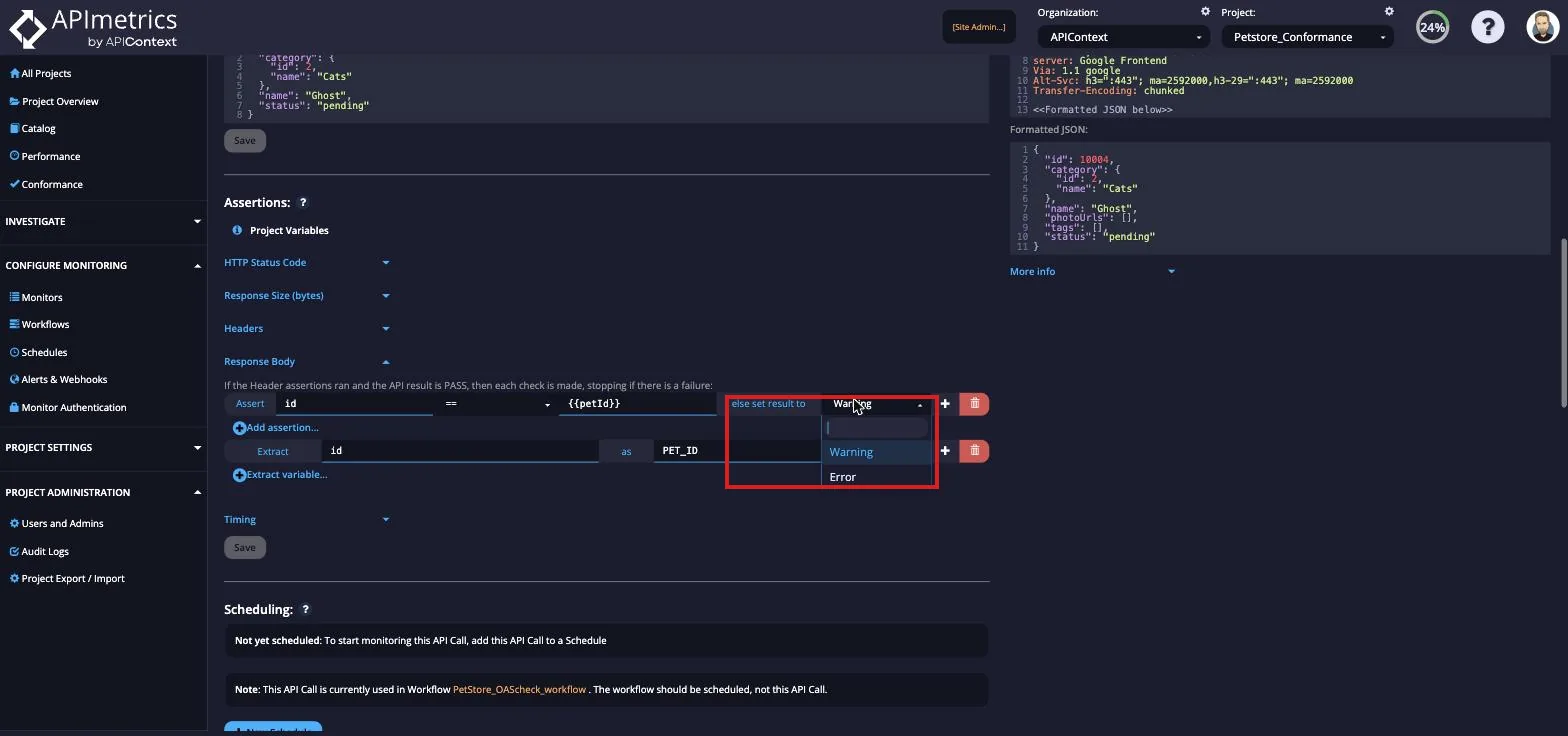
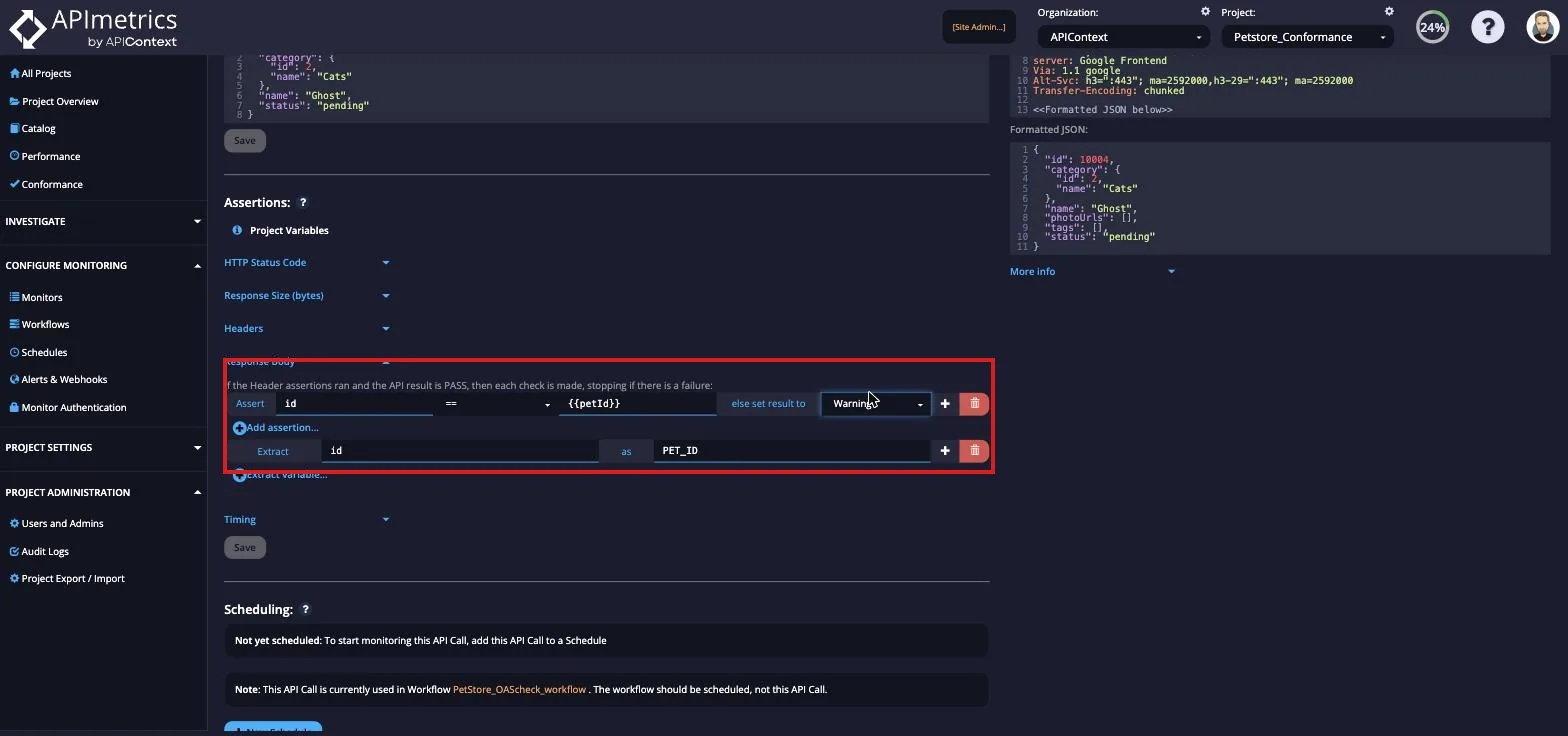
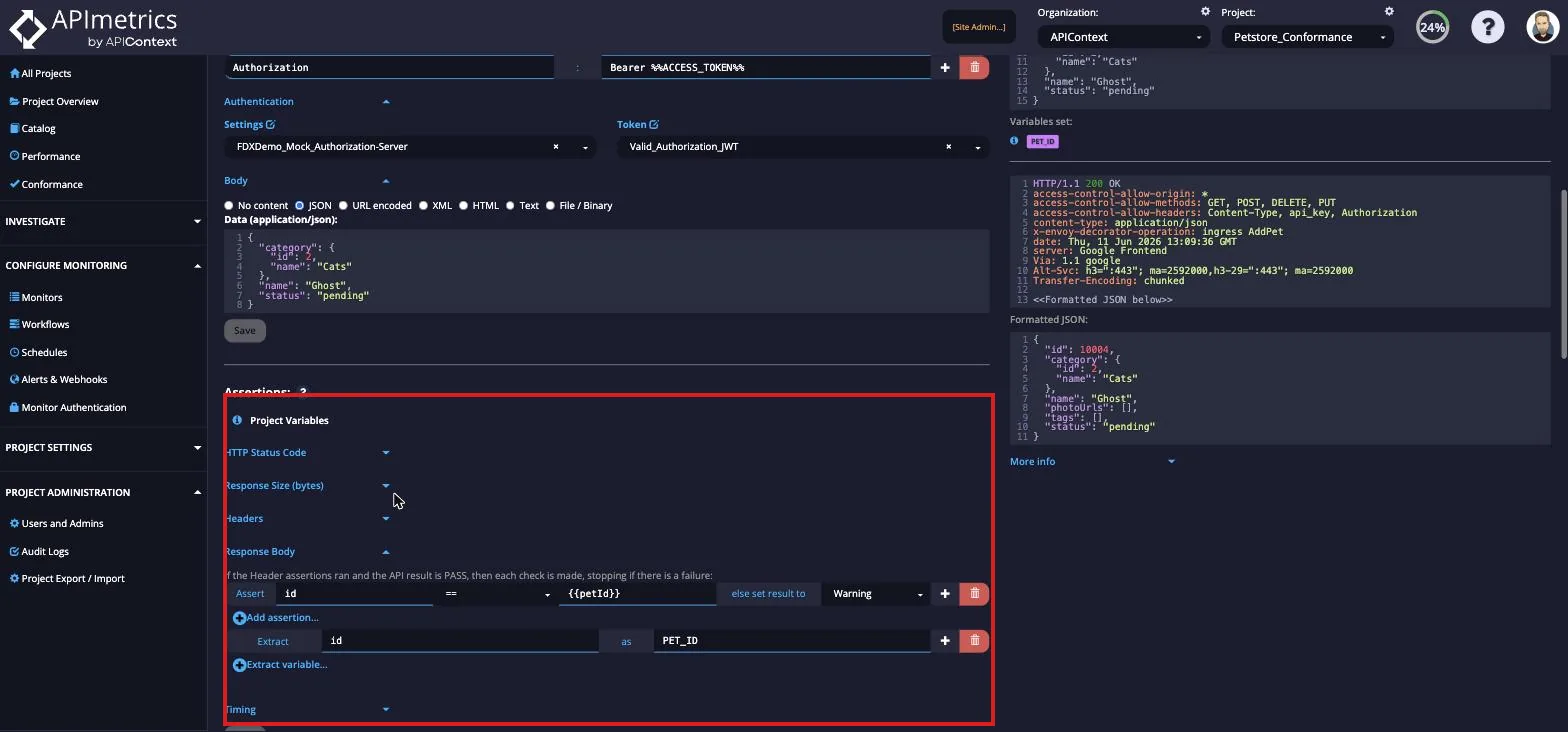
The main way to handle assertions/conditions is via the Conditions tab on the Edit Monitor page. You can also set timing-based conditions in the SLA Management option.
APImetrics reviews results returned by a monitor in a specific sequence. Beyond status codes and timing, you can use conditions to validate business rules — pricing, eligibility, compliance, and routing logic — so the right team is alerted when business logic breaks.
- HTTP Status Code
- Response Body Size
- Header Content
- Body Content
- Monitor Timing
Default Settings
By default, a call that returns a HTTP 2xx status code is considered a pass and one that returns a 5xx code is considered a fail. However, from the Conditions tab in the API editor you can change the defaults (for instance, to consider HTTP 4xx status codes as fails or, for negative testing, HTTP 2xx status as fails) and parse results or set specific timing-based rules.
By default, a pass is any code returned with a 2xx result.
By default, any 5xx code is deemed a failure
Typically, a warning is due to an authentication error with the monitor and warnings are not usually handled in the statistics that focus on pass and fail.
Result Events
When a condition is met, there are 4 possible outcomes
- ignore the result (no change)
- treat the result as a pass,
- treat the result as a failure
- treat the result as a warning.
Alerts can then be keyed to work off the triggered event.
Different handling events and triggers can be set for a True or False result.