

Importing an API specification
You may import an API specification from a publicly accessible URL. Once imported, APIContext can continuously compare production responses against the spec. See Build to Specifications for how automated OAS comparison works on every deploy. To get started, enter your specification's URL:

Click Validate to check we can support your specification:
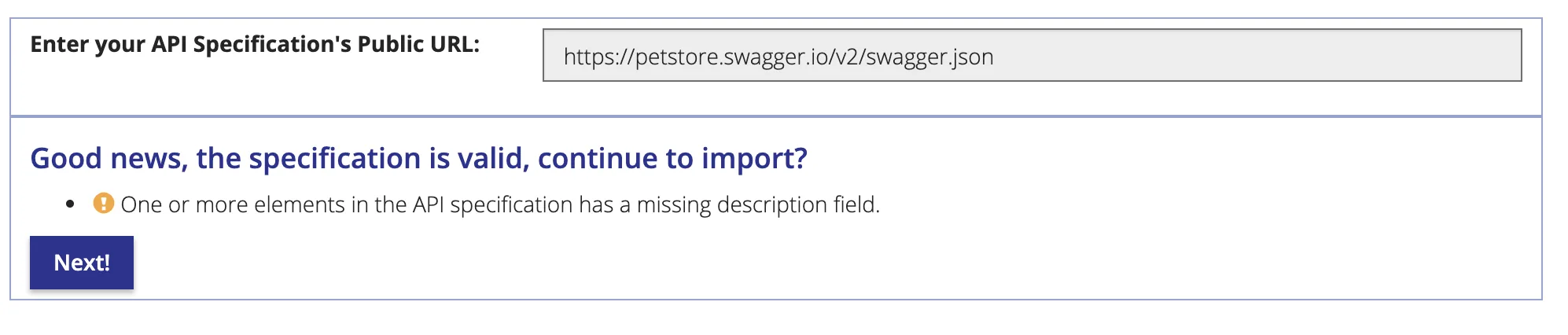
We will warn you of any potential warnings or errors with the specification. If happy, press Next to continue to the preview:
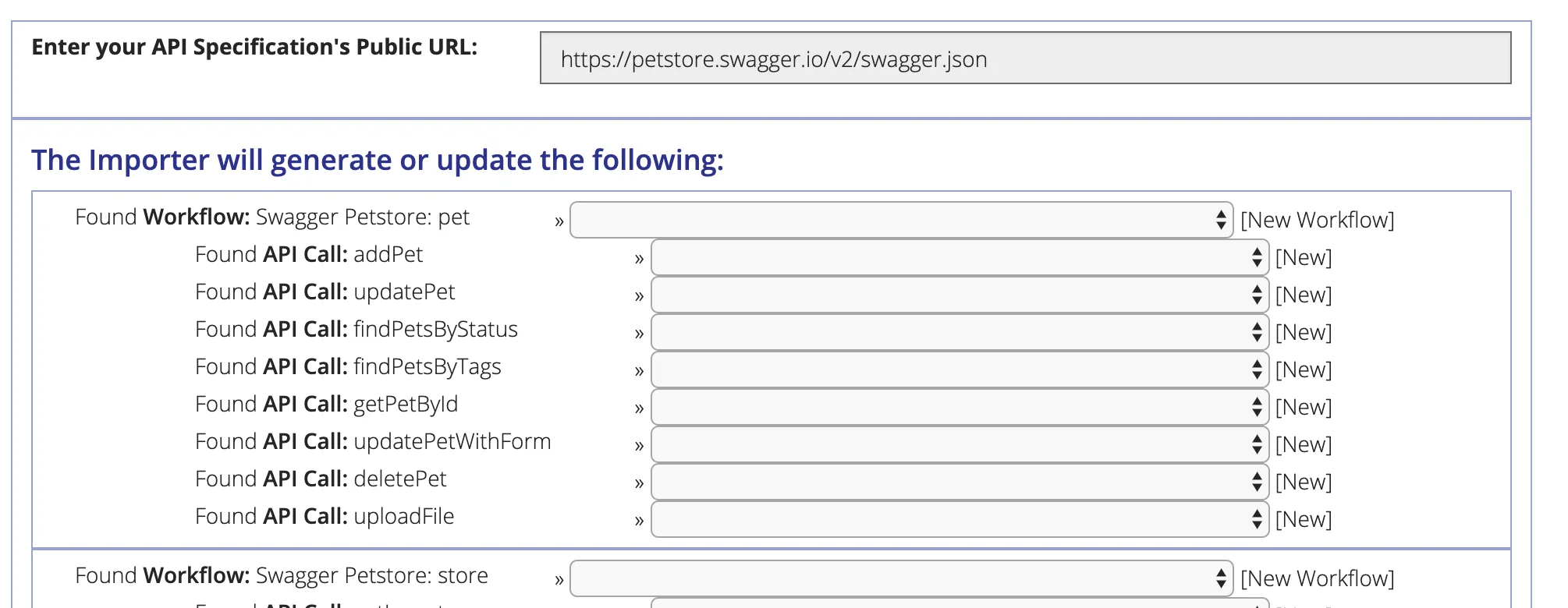
In the dropdown menus, you can select existing Workflows and monitors to overwrite. If you have previously imported this collection, we try to match the calls with the previously imported calls.
Finally, click next to generate the Workflows and monitors:
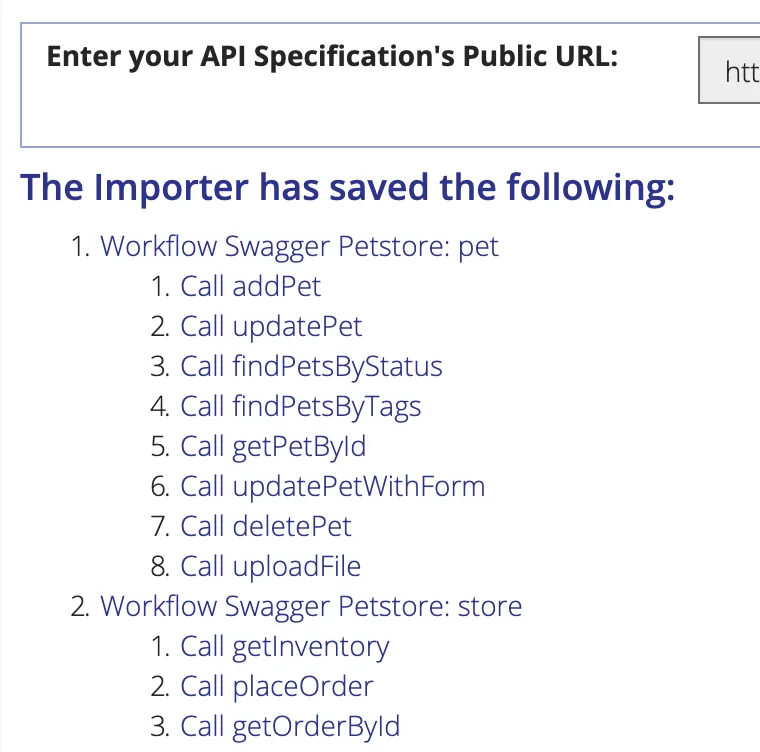
The import has completed. Note you may need to set up any environment variables your monitors require. You may also want to check that your monitors have the correct Authentication settings.
Once you've reviewed your calls, you should set up a schedule for your new workflows.