

Export or Import a Project
Project export produces human-readable JSON or YAML that can be version-controlled and shared across environments. The file contains secrets, so keep it in a private repository. This is part of APIContext's configuration as code approach: define monitoring in files, keep them in version control, and deploy through CI/CD.
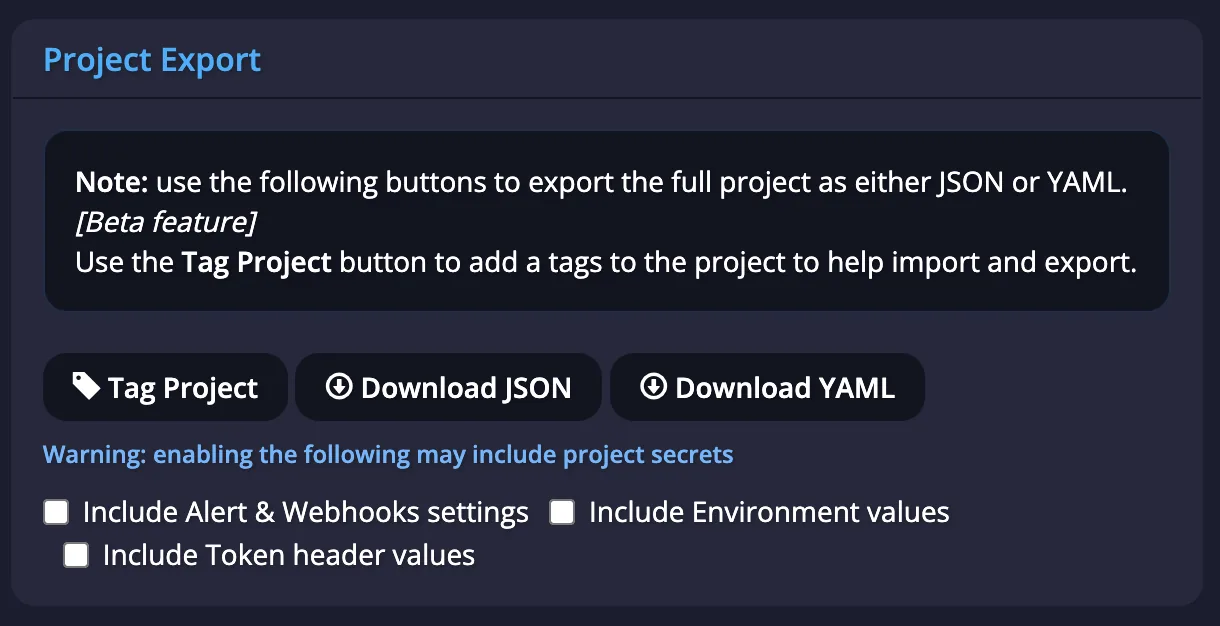
Project Export
The Project Export feature enables you to create a complete backup of your project, including all configured alert and webhook settings, environment values, and token header values. You can choose to export in either JSON or YAML format.
An export contains secrets, including token header values. Store the file in a secure location, share it only with people who need it, and never commit it to a public repository.
To prevent accidental duplication of resources when importing an exported file back into the same project, we recommend using the "Tag Project" button to assign unique internal identifiers to your resources. This helps maintain data integrity and avoid conflicts.
Project Import
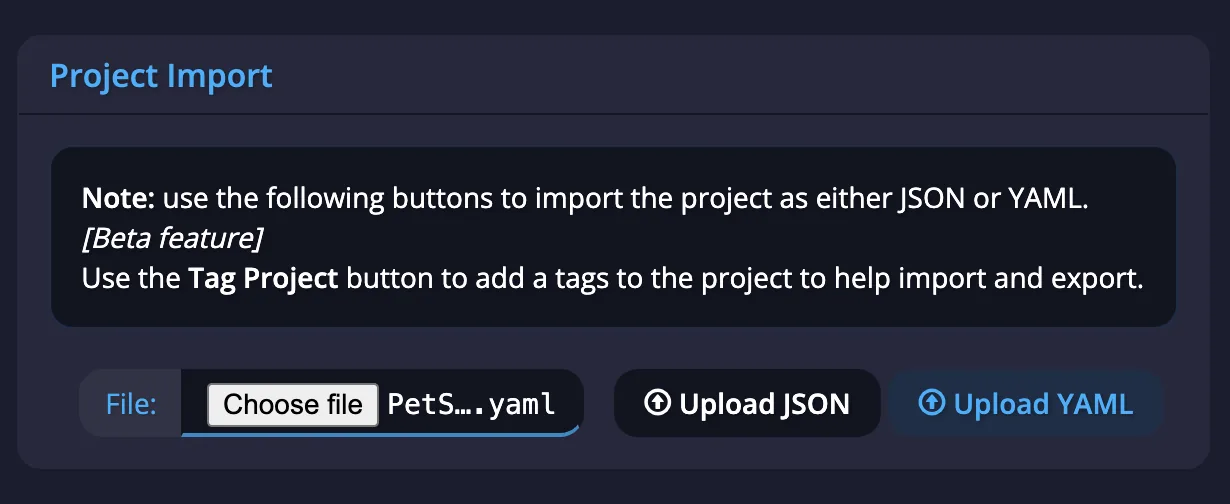
The Project Import feature allows you to restore a previously exported APImetrics project.
To begin, click the "Choose file" button to select your exported project file (either JSON or YAML format). Then, complete the process by clicking the corresponding "Upload JSON" or "Upload YAML" button.
This will import the project's configuration, including alert settings, environment values, and token headers, back into the APImetrics platform.
After successfully importing your project file, navigate to the Project Home page to begin accessing your imported resources.