

Importing from APIMATIC
To import from APIMATIC, we need your API's API integration key.
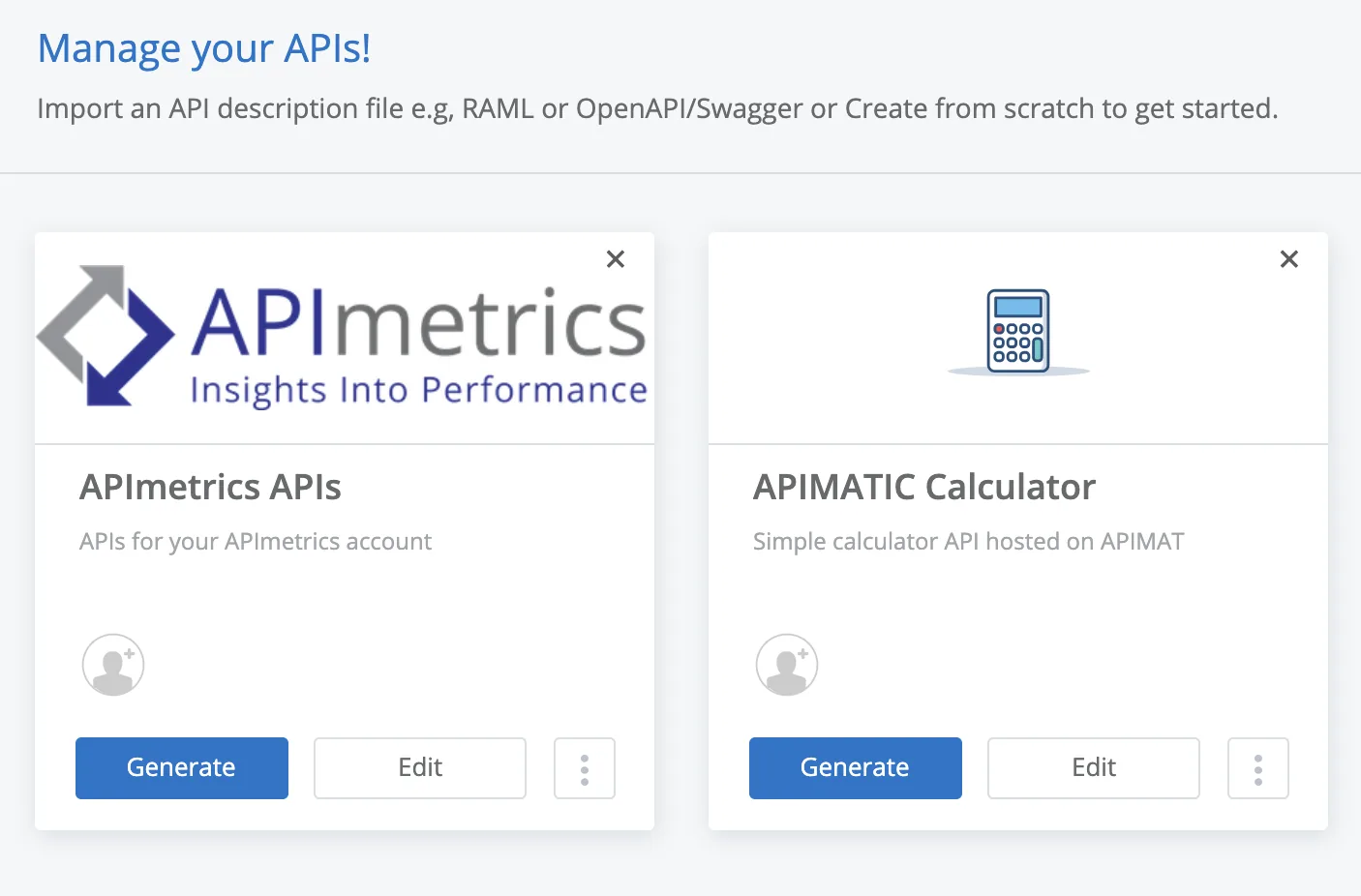
First visit your APIMATIC dashboard and view your APIs:
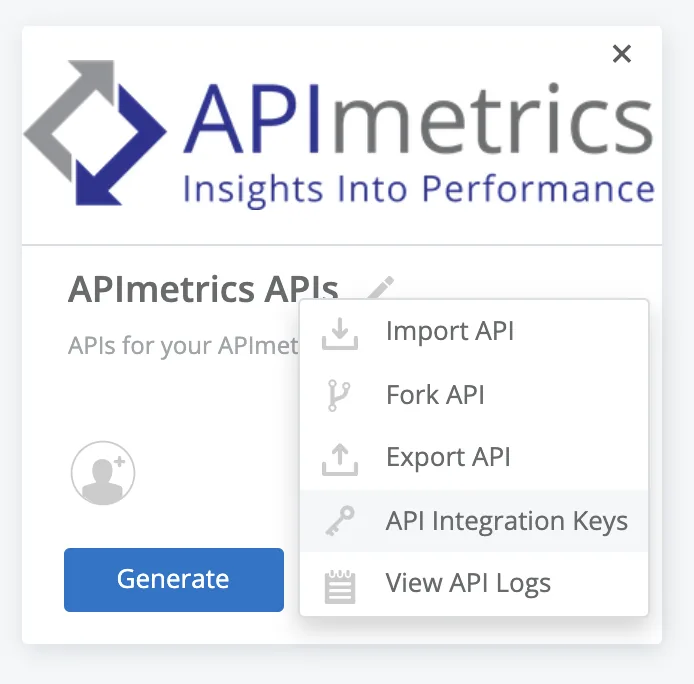
Use the menu to select "API Integration Keys":
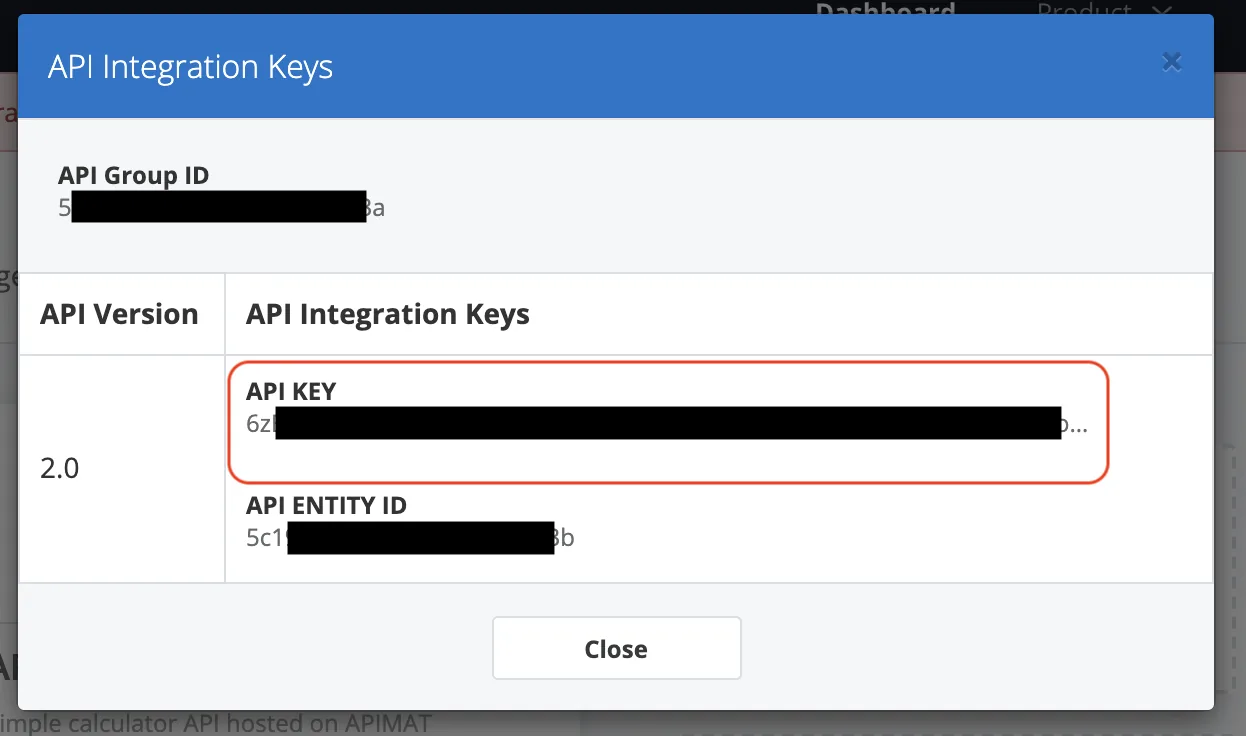
Use the copy button to copy the "API key":
Paste your API key into APImetrics importer at the prompt:

Select Validate, and we ensure we import the definition. We will show you any errors or warnings which you may wish to correct.
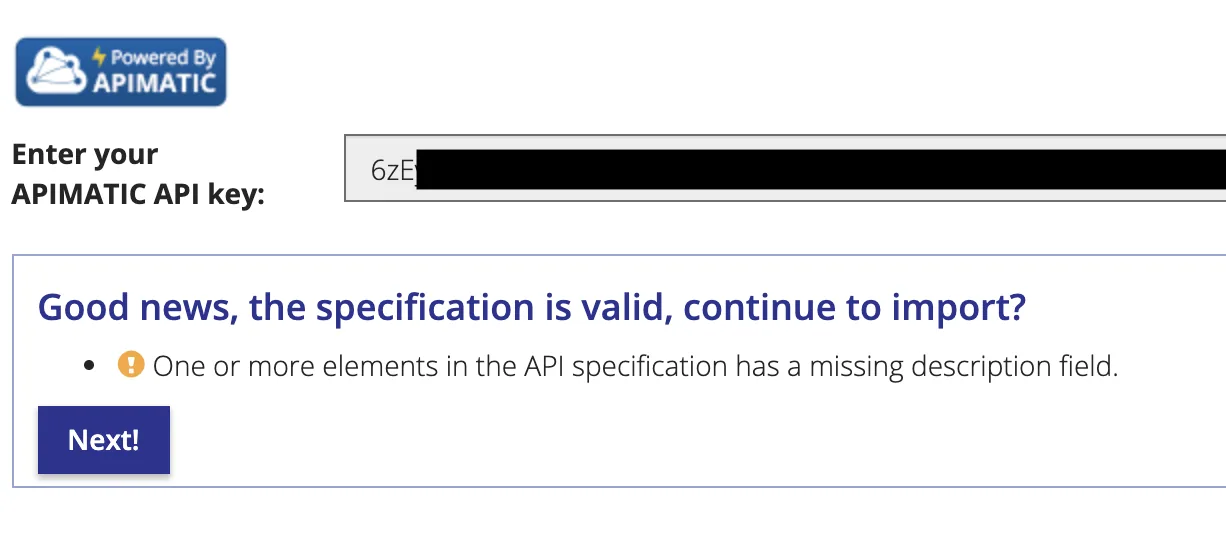
Click Next to see which Workflows and Monitors we will generate:
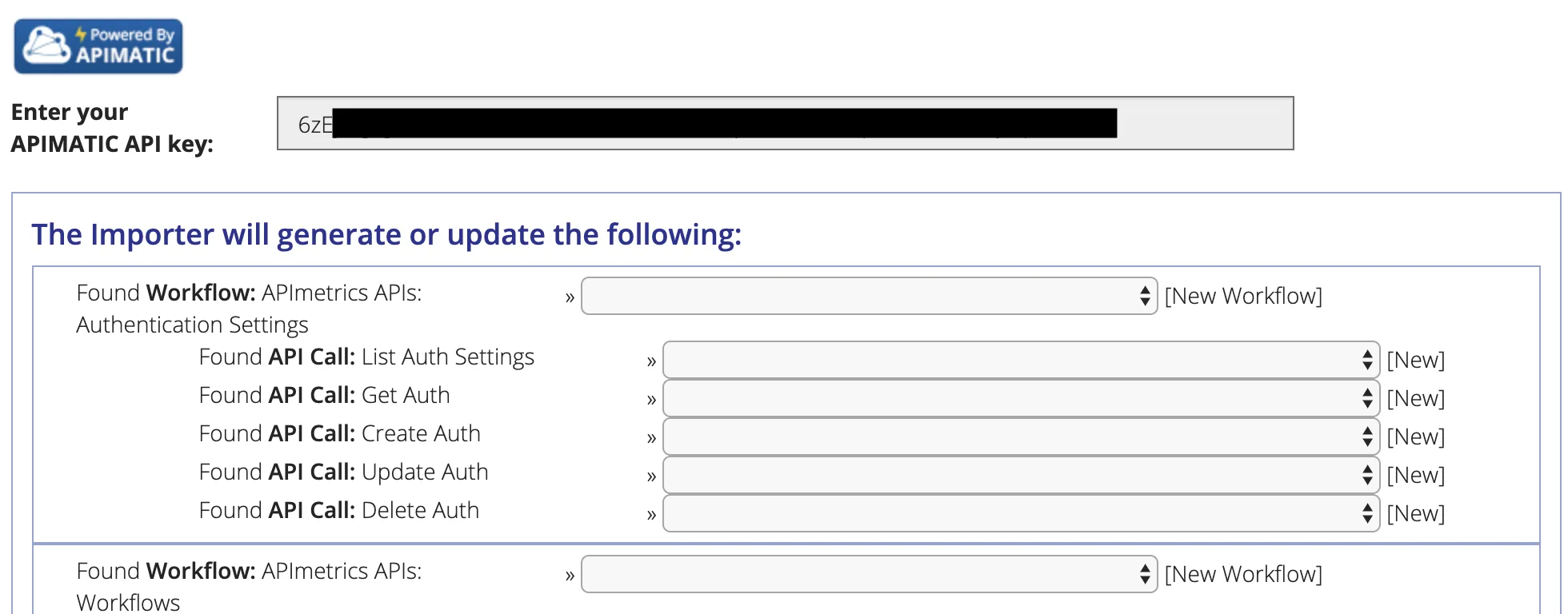
Use the dropdown selectors to choose whether to create a new Workflow / Monitor or overwrite an existing one.
When you're happy, click Next to start the import:
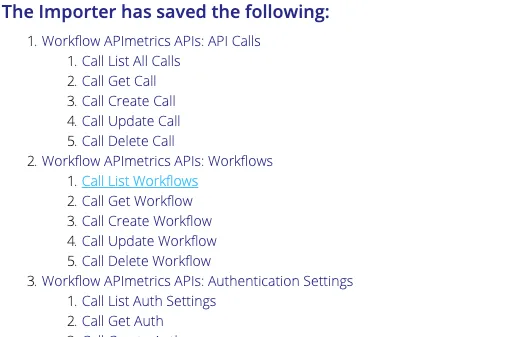
The import has completed. Note you may need to set up any environment variables your monitors require. You may also want to check that your monitors have the correct Authentication settings.
Once you've reviewed your calls, you should set up a schedule for your new workflows.