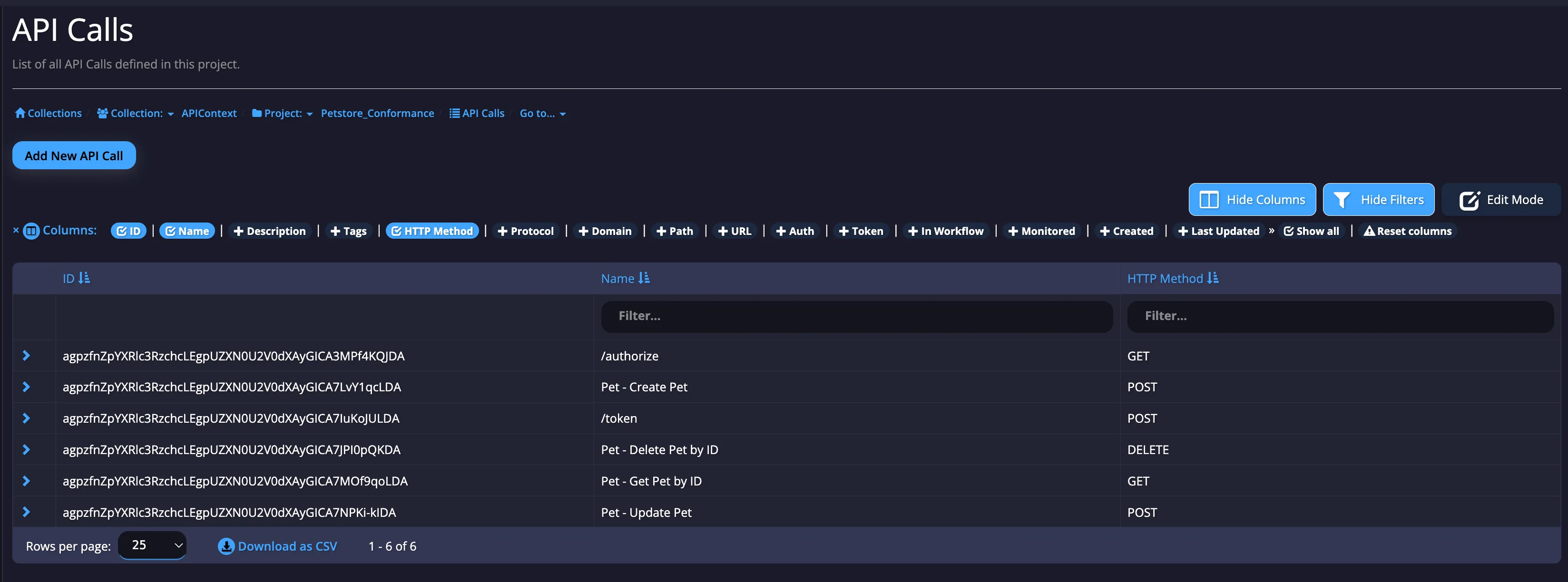
Obtain an API call ID
- Navigate to Monitors: In the left-hand navigation bar, under
Configure Monitoring, click on "Monitors". - Open Column Selection: At the top-right of the monitors list, click "Select Columns".
- Display the ID Column: From the list of available columns, select the "ID" option.
- Copy the ID: The monitor IDs will now be displayed in a new column. Right-click on the desired ID and select "Copy" to add it to your clipboard.