

Understanding the Results
Key Concepts
APImetrics stores the results of monitors. For each result, the following information is stored:
- Detailed call breakdown (Connect Time, DNS Lookup, Processing Time, Total Time)
- Location the call was made from
- HTTP code returned
- Pass, Fail or Warning if conditions have been set for the call
- Response header and body
Running a call from the Call Edit screen will take you to the result of that call. All results are stored by monitor. You can also search and view results.
Results View
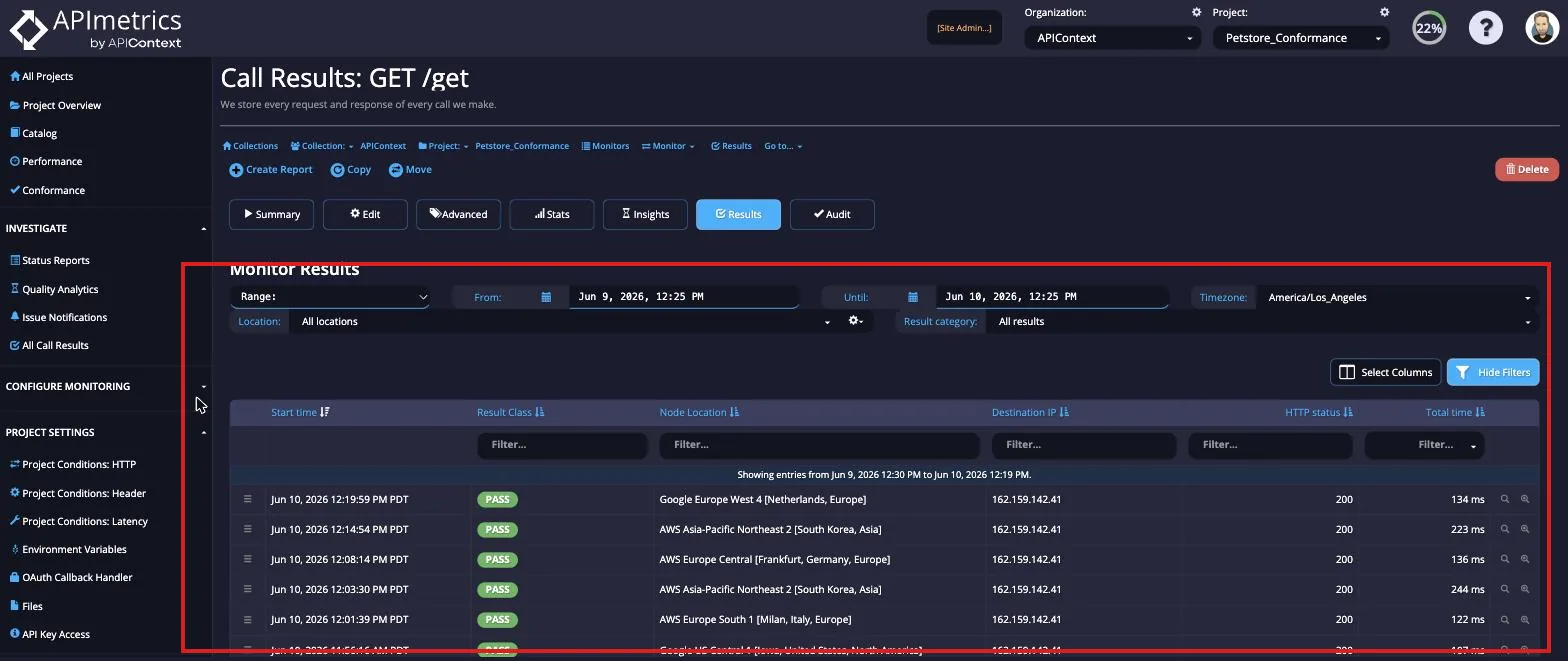
- The call result summary
- The reason the call was made - this could be a manual call, a scheduled event or another trigger - you can trigger events inside APImetrics to make calls if you need to
- The logs for the call showing the setup and configuration
- Call duration information broken down by network and server side portions
- The request made
- The response we got back
- If there was a body we'll show the body too
- The initial conditions and internal variables set - each monitor in APImetrics has a unique set of identifiers
- Any variables set in the monitor
tip
The call duration breakdown (DNS, TCP connect, TLS handshake, processing, transfer) feeds into APIContext's network monitoring, which isolates whether performance issues originate at the network, CDN, or application layer.