

Create a new project
You can create a project in the web UI or with the CLI. Every new project is one of two kinds, and where you create it decides which:
| Kind | Owned by | Who can create one |
|---|---|---|
| Personal project | You. It starts as a 30-day trial project and is not part of any organization. | Anyone |
| Organization project | The organization. Members get access through their organization role. | Organization admins |
Being a member of an organization does not put new projects in it. To create an organization project, start from the organization (Organization Settings or the organization's panel on the Collections page) or use create-project-in-org in the CLI. Anywhere else, you get a personal project.
Create a project from the web UI
Personal project
On the Collections page, use the Add Project button over the Quick start box, or the Add Project button in the Create projects box. Enter a name and select Add.
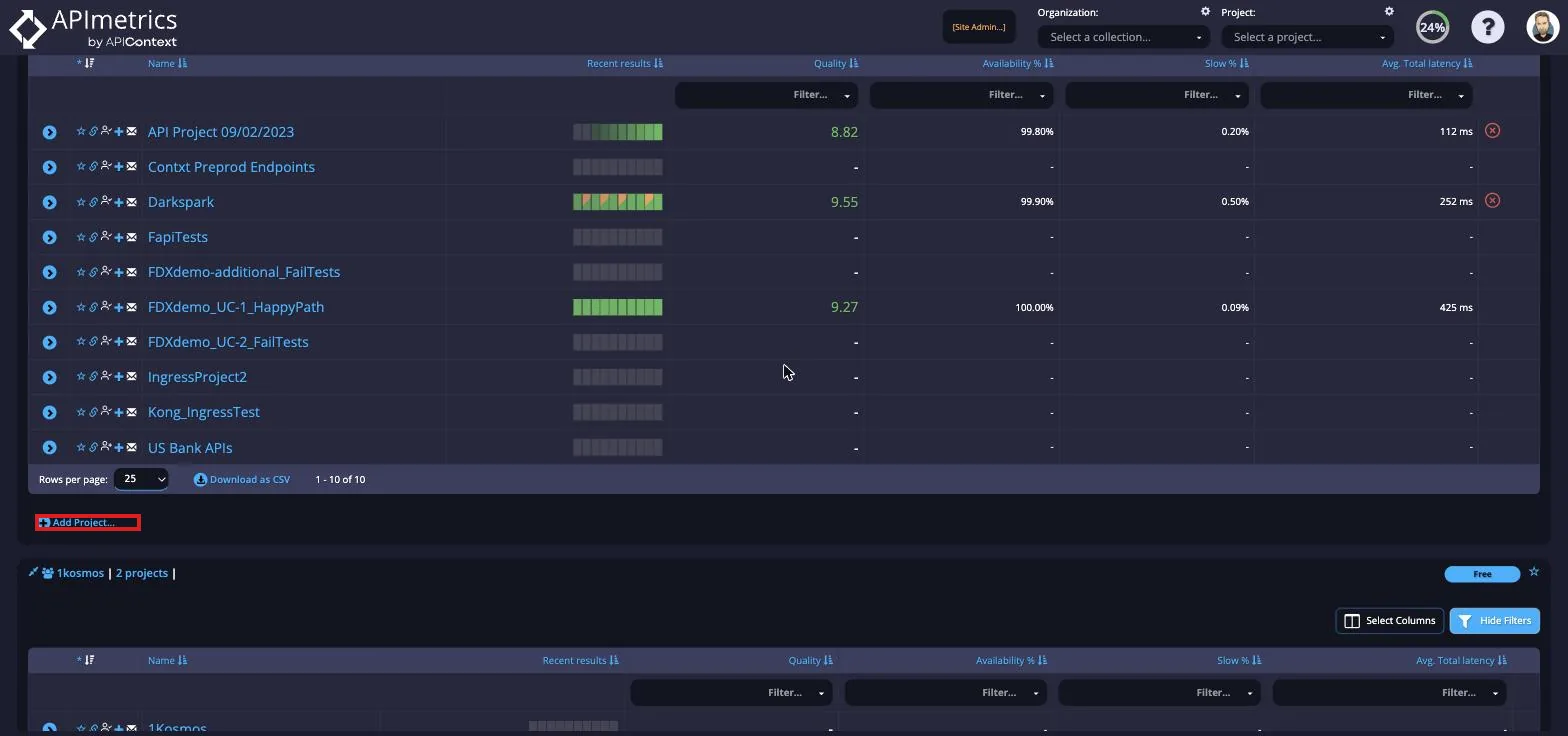
There is also an Add Project button on the Projects page.
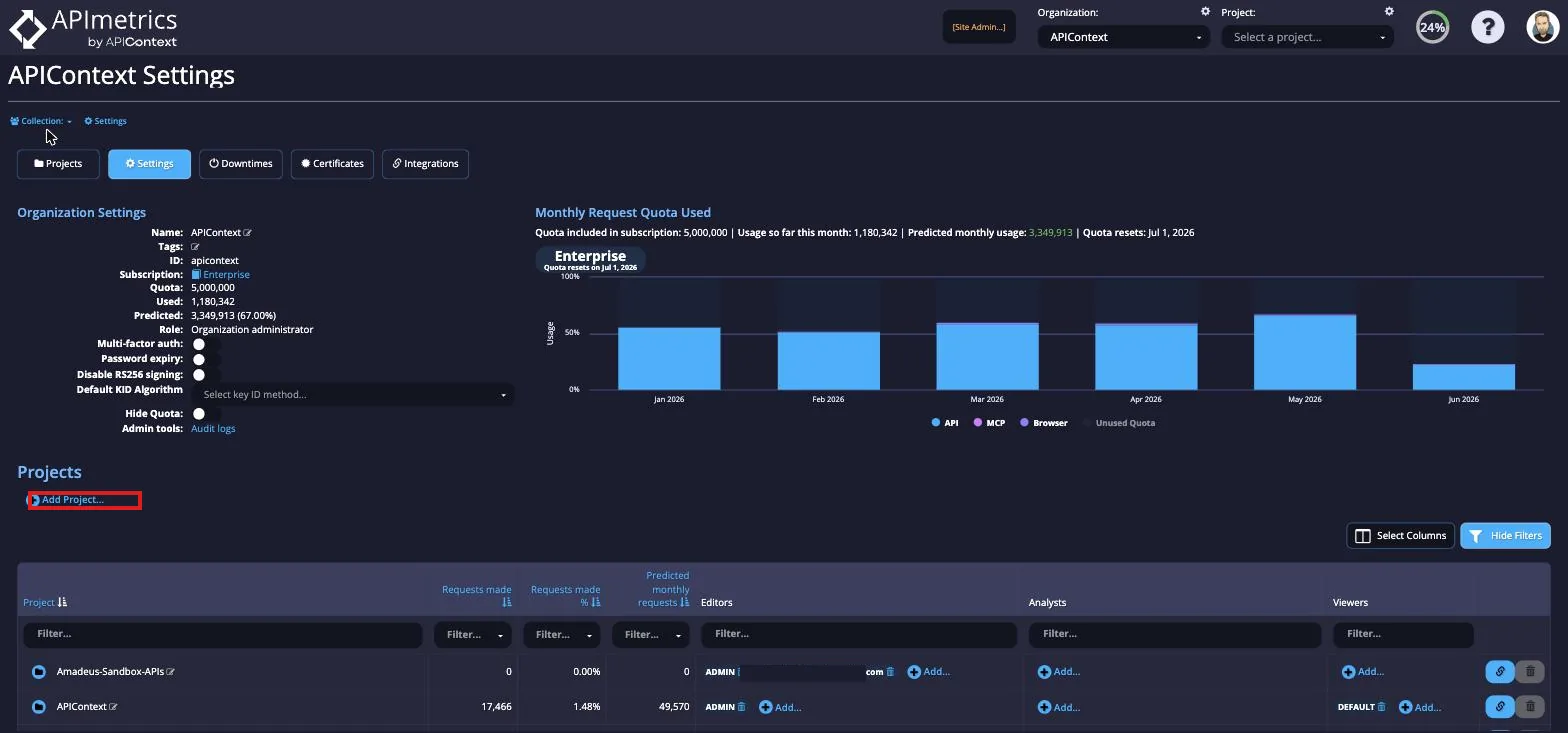
Organization project
You need the organization admin role.
-
Open Organization Settings: select the Settings (gear) icon above the organization name in the top bar.

-
Select +Create Project, enter a name, and confirm.
You can also create an organization project from the organization's panel on the Collections page.
Create a project with the CLI
Projects are created with generated commands. Both take a project name.
Personal project
apimetrics create-account-project name: "My New Project"
Organization project
You need the organization admin role, and the organization's ID.
-
Find the organization ID.
list-account-projectsreturns the organizations you belong to; filter the output to their IDs and names:apimetrics list-account-projects -f 'body.organizations.*.{id, name}'[{"id": "example-org","name": "Example Org"}]To check that you are an admin of that organization, list your roles per organization and look for
ADMIN:apimetrics list-account-projects -f 'body.meta.roles' -
Create the project in that organization:
apimetrics create-project-in-org <org-id> name: "My New Project"Run
apimetrics create-project-in-org --helpfor the optional fields (tags,email,security_profile).
Select the new project
Select it to make it the active project for later commands:
apimetrics project select