Basic Navigation
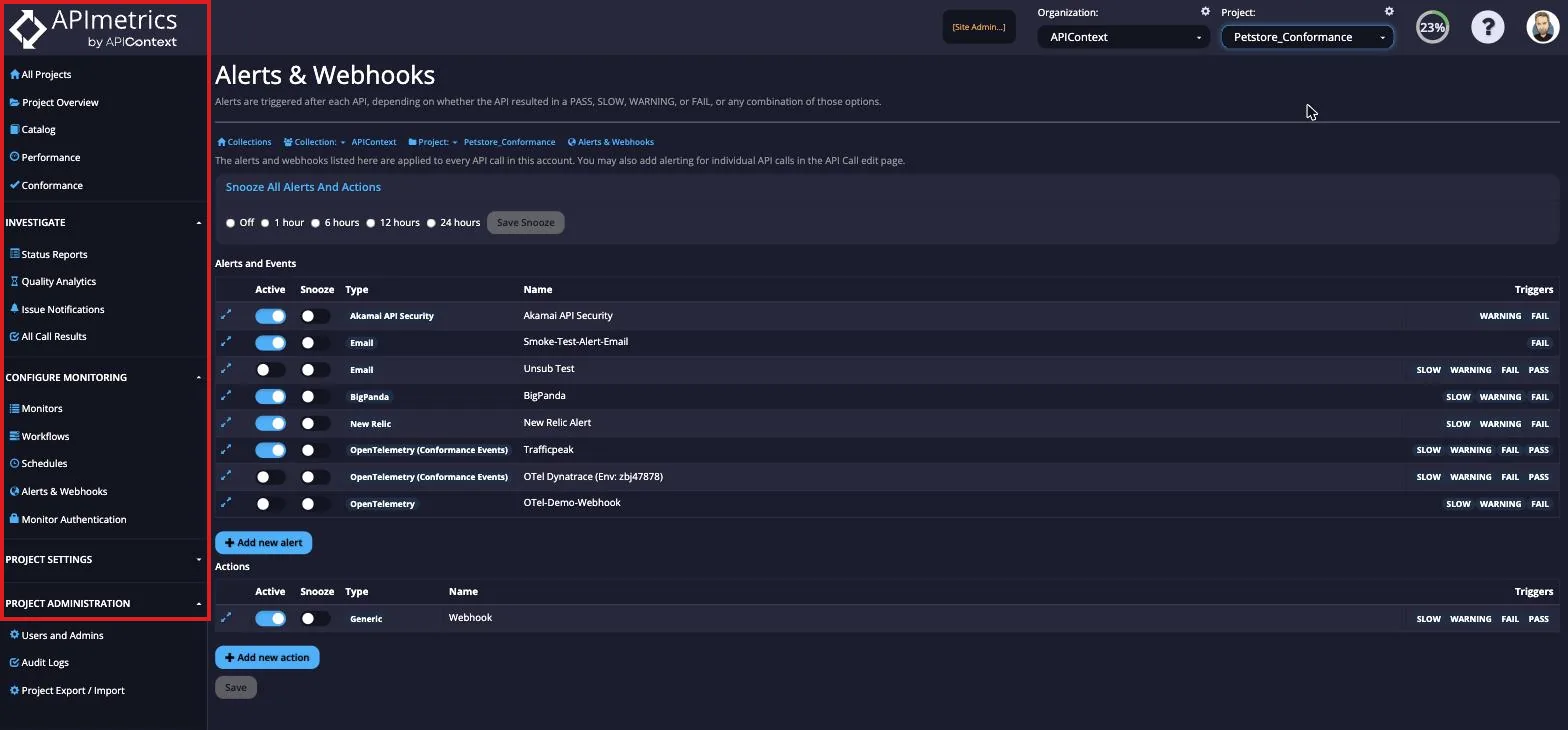
Side Bar Navigation Menu
The side navigation menu is focused on the core functionality of making and running monitors and you'll find everything to do with seeing information on the calls, creating, importing, scheduling, and authentication through to alerting.
In sequence the menu sections are:
- Project picker - navigate between your projects
- Home Page and Customizable Dashboard
- Analytics & Reporting - if you only have view access to projects
- Configure Monitoring - everything you need to make, create, run, and configure monitors, including Alerts & Webhooks for email and webhook alerts
- Advanced settings such as environment variables and files
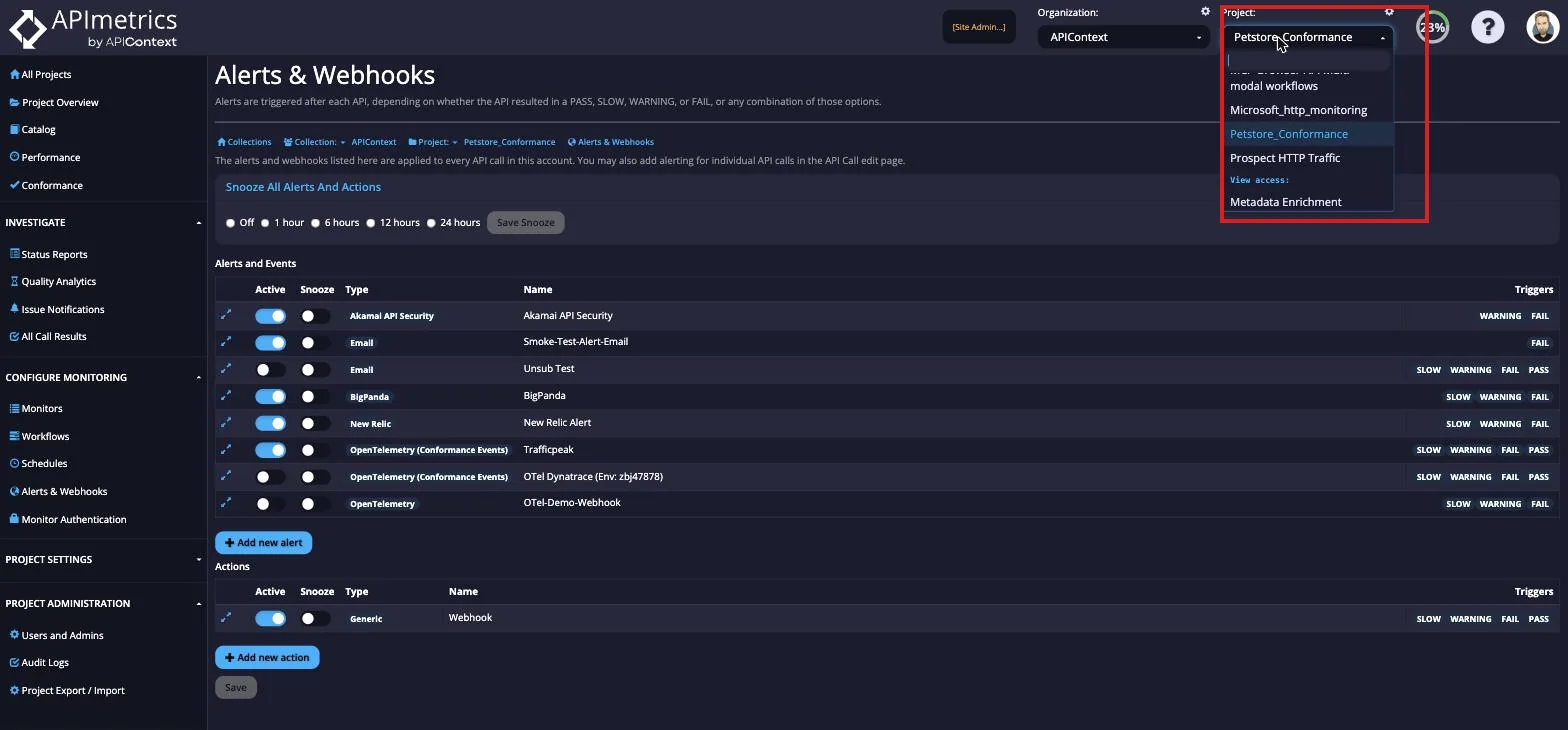
Project Picker
Click on the project name to get a list of the projects you have access to. All users will have view access to at least one project.
Switch organizations
To move between the organizations you belong to, see Switch organizations.
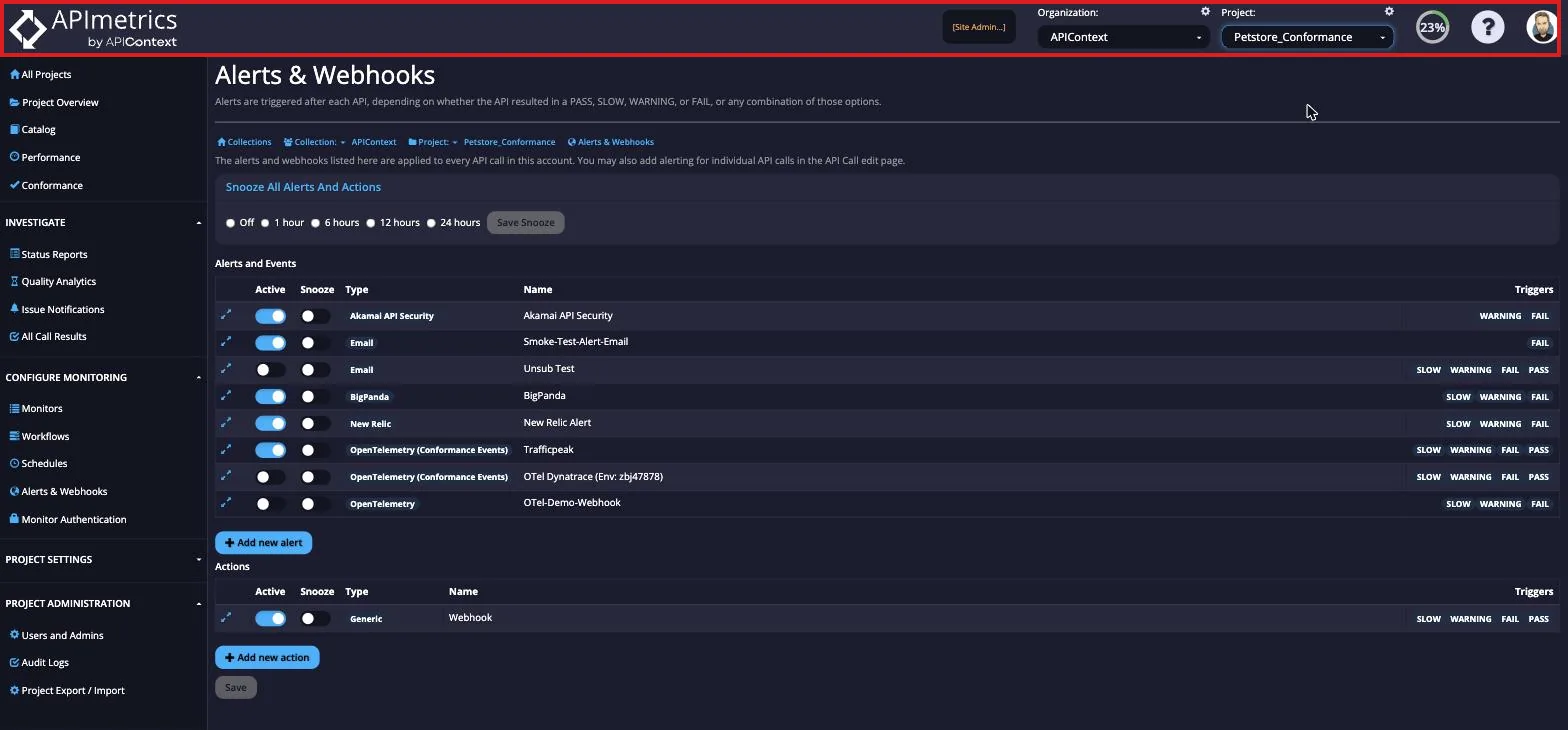
Top Navigation Menu
The top right navigation menu handles project and account admin features. Here you can:
- Manage your org (if you're an enterprise client)
- Manage your projects and invite other users to the project
- Manage your subscription\
- See Audit Logs
- See Alerts and Webhooks
- Set Latency SLA terms
- See all your account notifications
- Edit your user settings
- Choose which emails you receive, in Email Settings