Setting Up API Key Based Authentication
Step 1 - Create an authentication setup
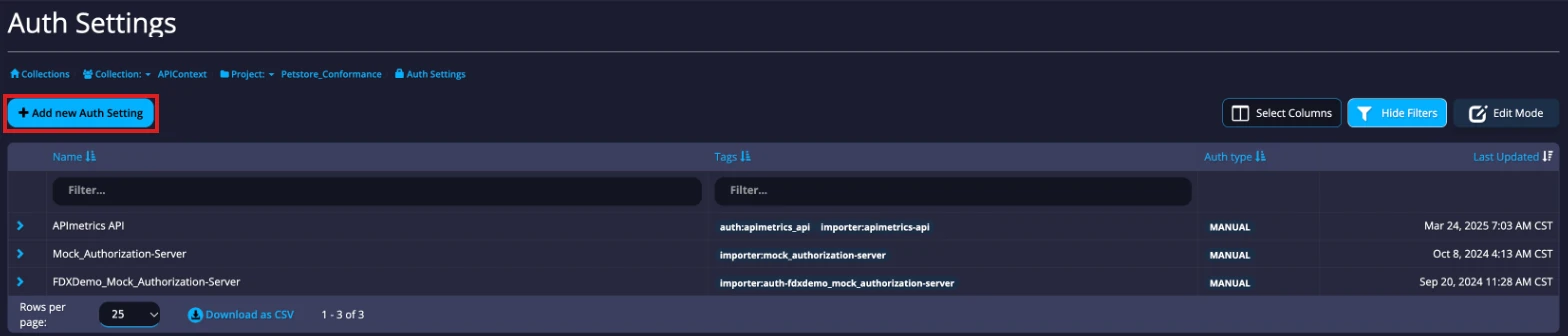
In the sidebar, under Configure Monitoring, select Monitor Authentication (open it), then select Add new Auth Setting.
In the Create Authentication panel, choose the Authentication Type and complete its fields. For an API key, choose API key in request / Manual Setup and enter a name and the endpoint domain. An OAuth flow also needs the provider's URLs and your Client ID and Client Secret. Select Save.
Create a Token
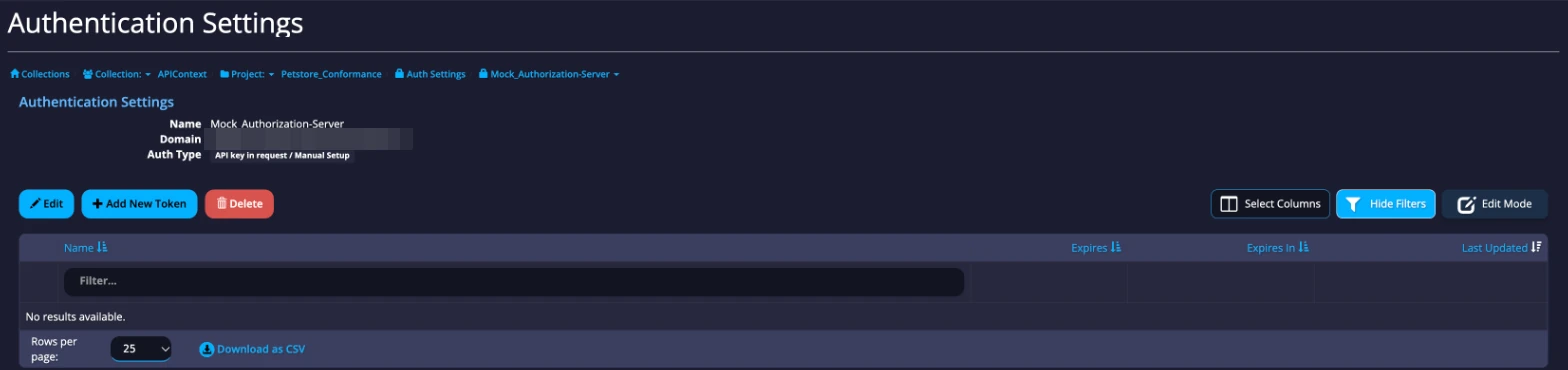
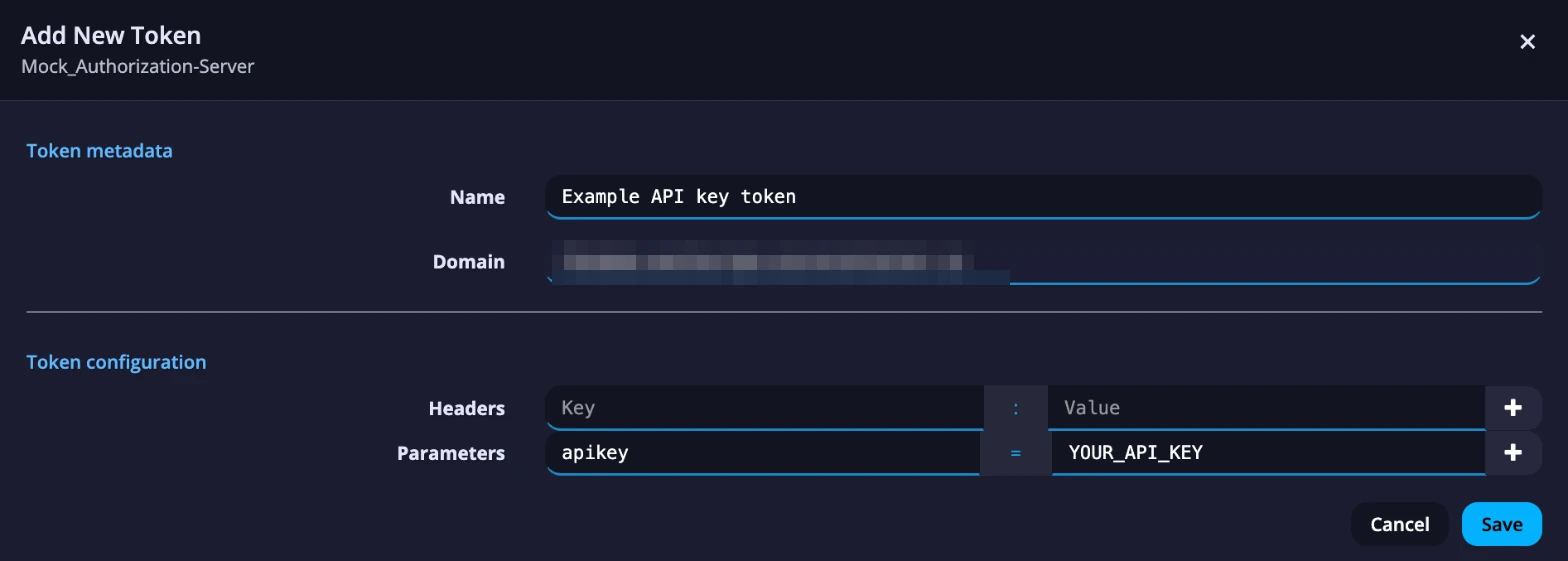
Select Add New Token. For the simple API key example, choose where the monitor sends the key: add it as a header or as a parameter, then select Save.
Use the Auth Settings in a call
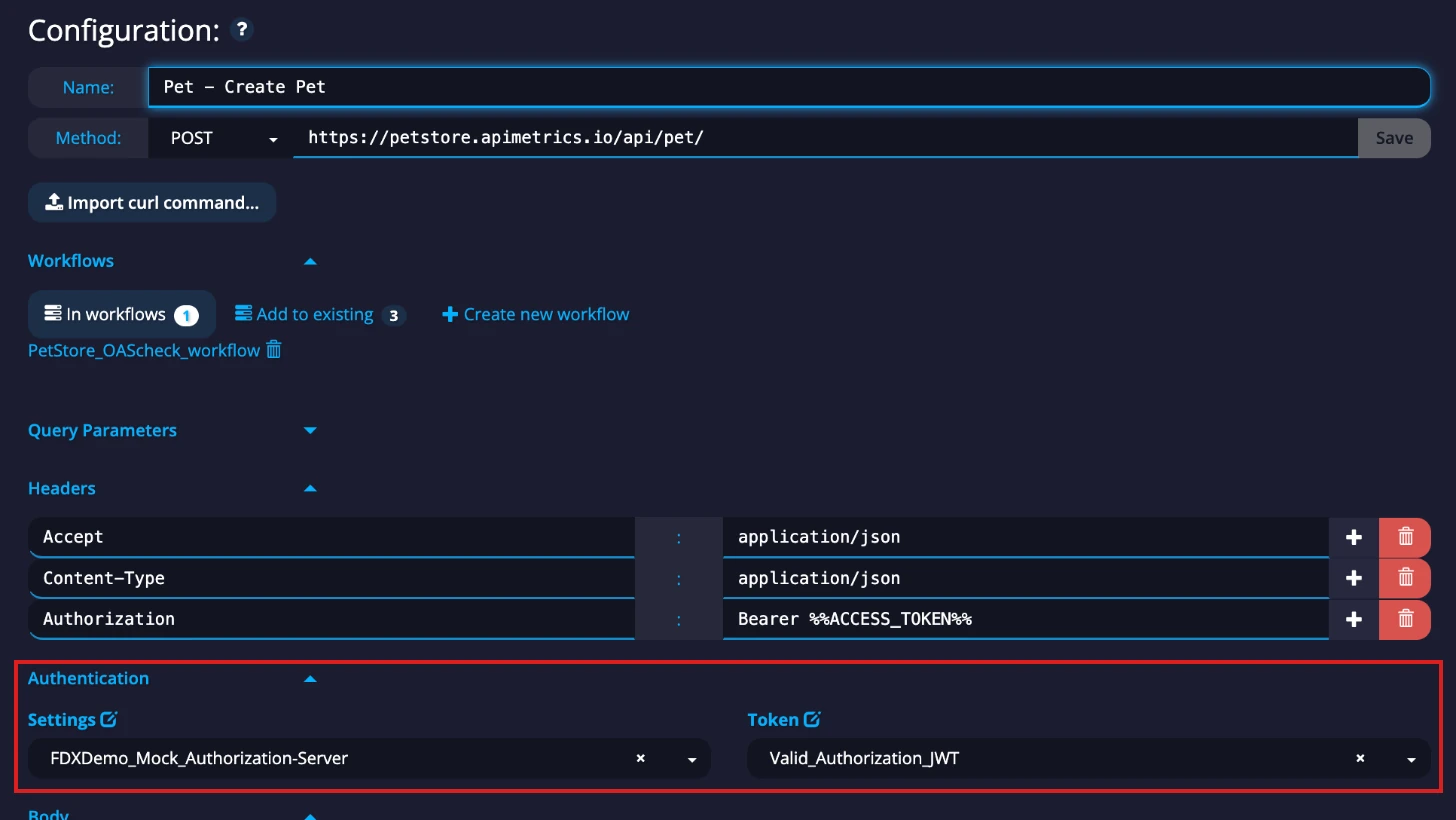
When you set up or edit a monitor, choose your auth setting under Settings and the token under Token in the Authentication section of the editor.