Examples
Key Concepts
It is possible to bind objects to workspaces associated with monitors and workflows. This allows flexible and powerful use of variables in monitors and workflows so that users are not limited to fixed values. This opens up the potential to create more dynamic monitors and workflows.
Monitor and Workflow Workspaces
Currently, in the APImetrics software, it is possible to bind two related objects to a workspace: monitor and workflow.
Because of the nature of the workflow workspace to force its monitors to run in its environment, the workflow workspace always overrides the Monitor workspace.
Variables in Monitor objects are searched for first in the workflow workspace, then in Monitor workspace and lastly in the global workspace.
The variable search order (scope) is
Work flow workspace
Monitor workspace
global workspace
The global workspace is always the last workspace to be searched for variables. If the workspace of Work flow is global, the order will be
Monitor workspaces
global workspace
Monitor elements subject to contain variables (and parsed for retrieval):
• API URL
• URI Parameters: name and value
• Headers: name and value
• Content: body content
◦ text
◦ json
◦ xml
◦ URLEncoded variables: name and value
• Conditions: Property and Value
• WebHooks: parameters
Example: Set a URI as a Variable
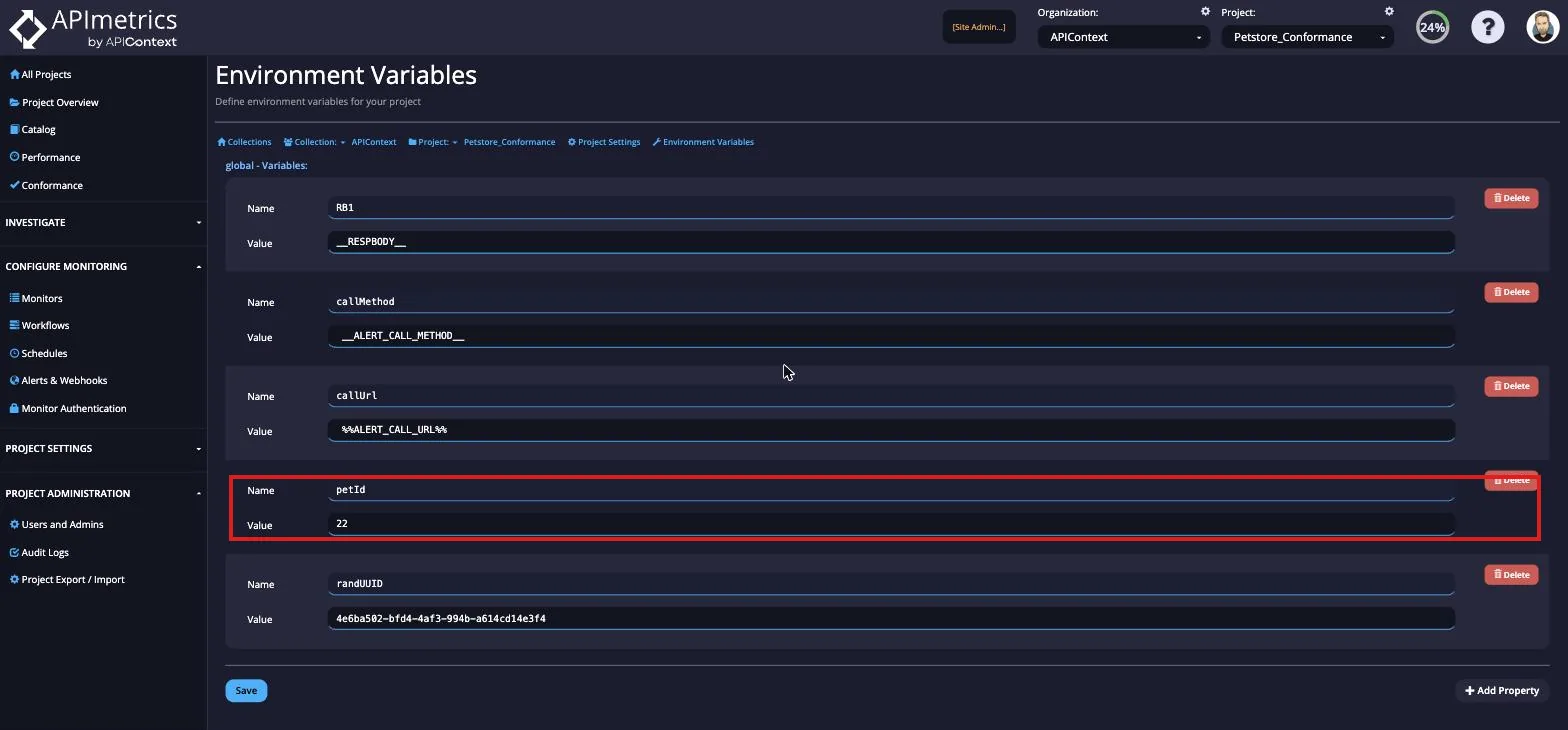
In this example we will set a variable to be the root URI for monitors and show it used in an example.
Firstly, we set the variable test_uri_1
In the call editor you will enter the following in place of the URI:
{{test_uri_1}}/rest_of_the_apicall
Which would look like this before saving the call:
GET {{test_uri_1}}/rest_of_call HTTP/1.1
Host: api.example.com
Content-Length: 0
Accept: application/json
User-Agent: AppEngine-Google; (+http://code.google.com/appengine; appid: s~viatests)
Or, in the editor.
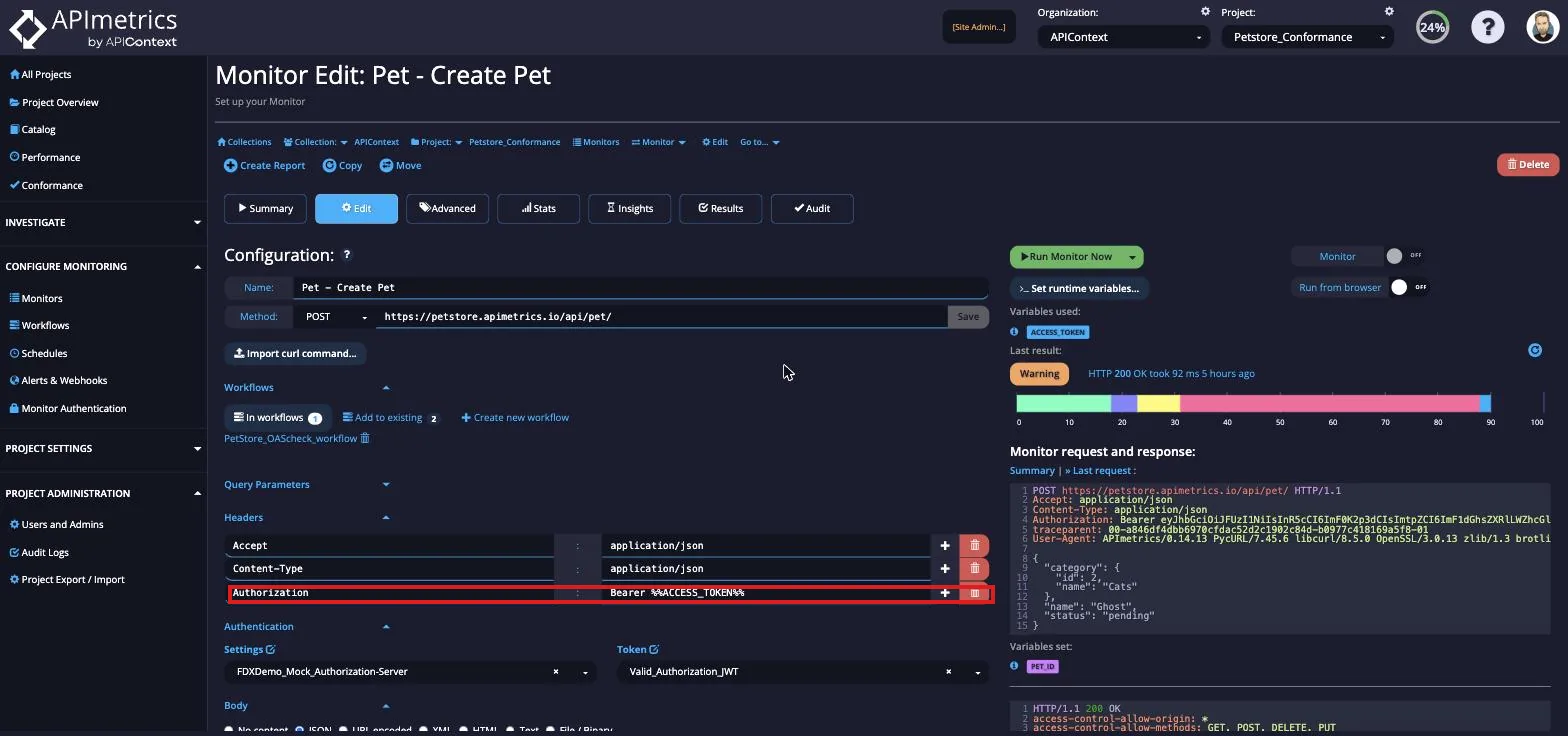
When you save the call and run it, the URI will be placed into the call.
GET http://api.example.com/rest_of_call HTTP/1.1
Host: api.example.com
Content-Length: 0
Accept: application/json
User-Agent: AppEngine-Google; (+http://code.google.com/appengine; appid: s~viatests)