Export to Datadog
The platform allows you to send your API traffic to Datadog. There are two alert types for Datadog:
- Datadog sends every monitoring result. See Send all monitoring results to Datadog.
- Datadog (Conformance Events) sends conformance check results only. See Send conformance events to Datadog.
Both types send through a Datadog integration on your Organization, so install the integration first.
Install the APIContext integration from Datadog
Within your Datadog interface, install the APIContext integration and authorize the application.
Send all monitoring results to Datadog
The Datadog type is listed only for a project that belongs to an Organization, and it sends through a Datadog integration on that Organization (see Org-level integrations).
- In the sidebar, under Configure Monitoring, select Alerts & Webhooks.
- Click Add new alert.
- Enter a Name.
- In Type, under Performance Events, choose Datadog.
- In Integration, choose your Datadog integration.
- Under Trigger alerts, turn on Pass, Slow, Warning, and Fail. With all four on, every result is sent.
- Optional: use Include tags and Exclude tags to limit which monitors are sent.
- Click Save.
DataDog Metric and Datadog Event are legacy types. They appear in the list only for a project that already has one. Use Datadog for new alerts.
Send conformance events to Datadog
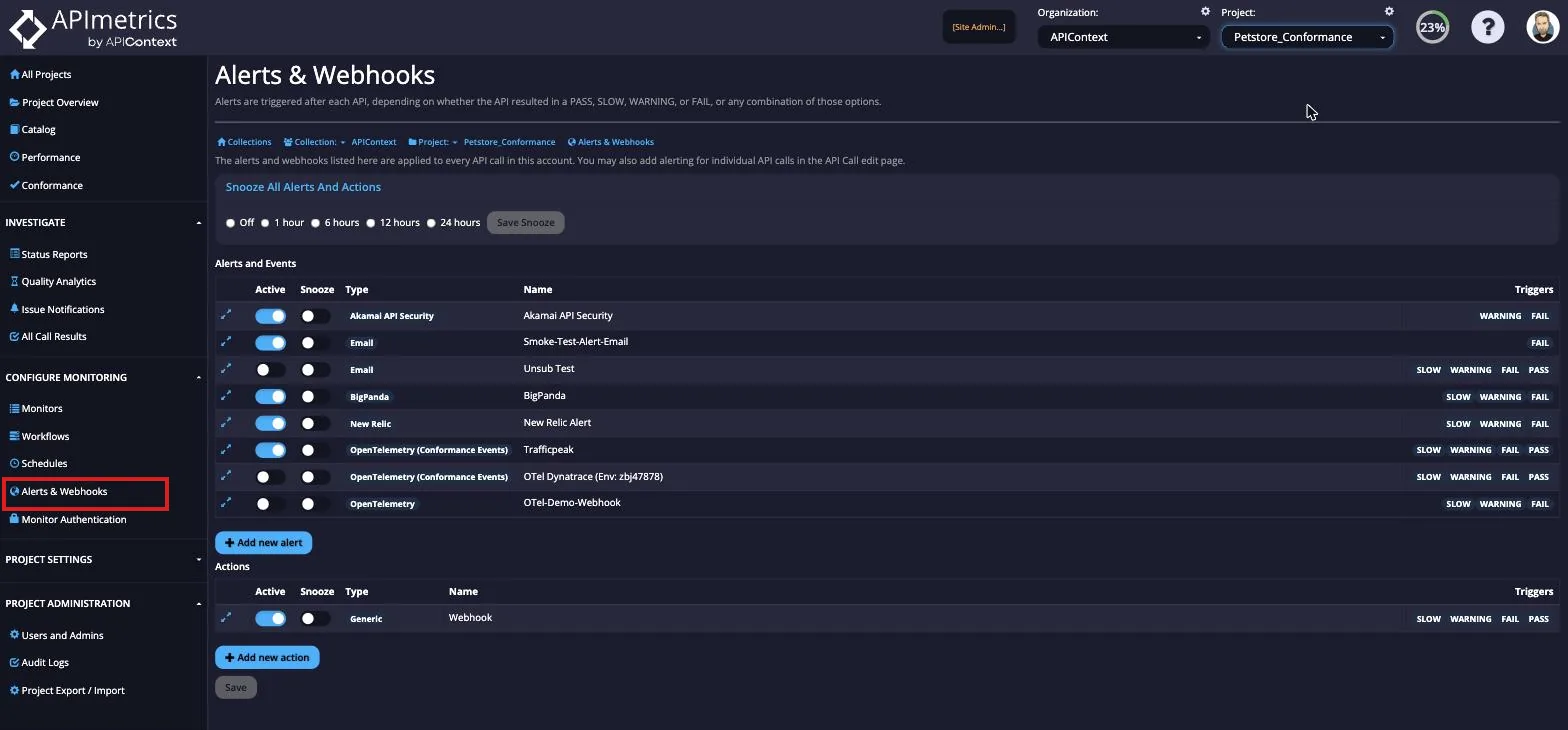
In the sidebar, under Configure Monitoring, select Alerts & Webhooks.
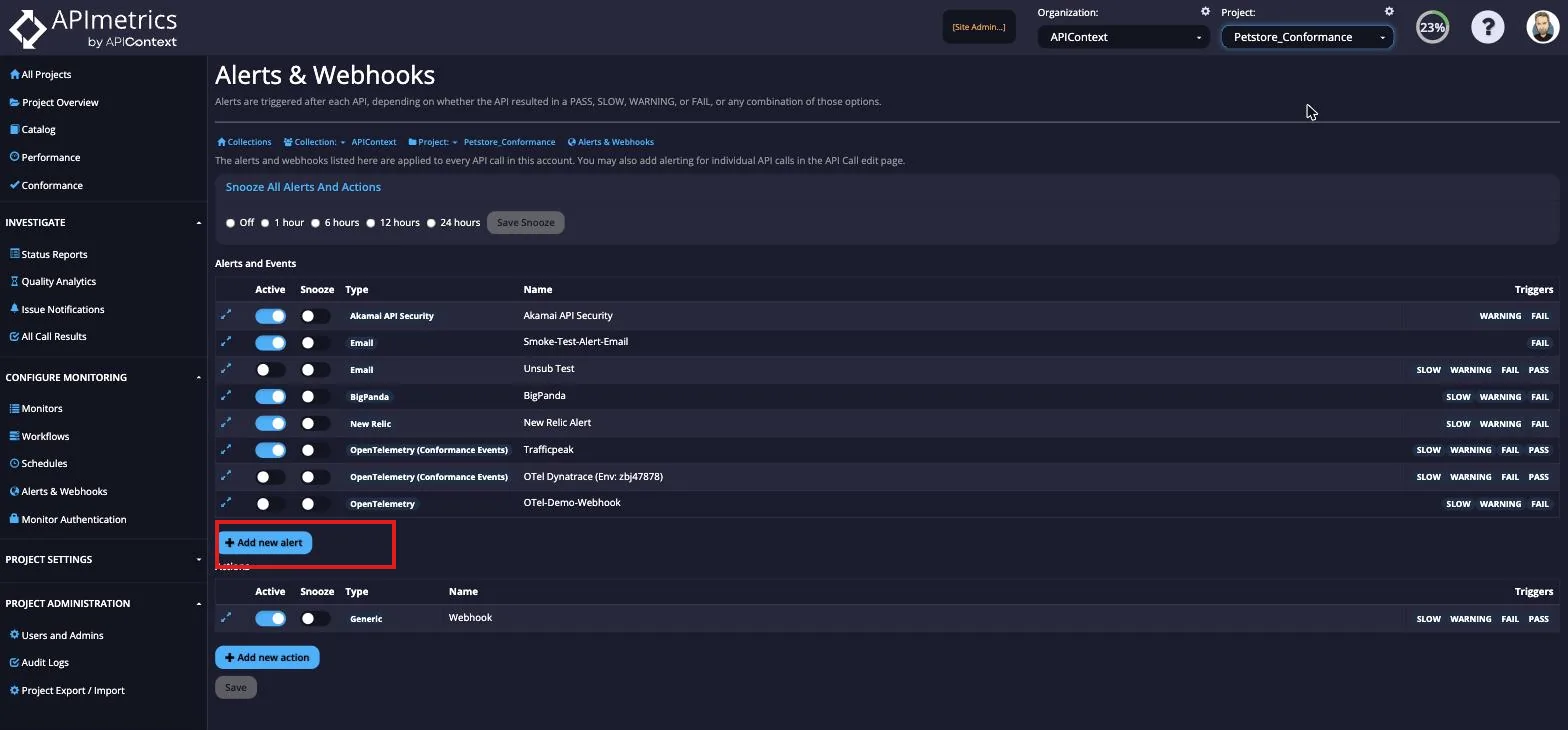
From here, select the Add new alert button.
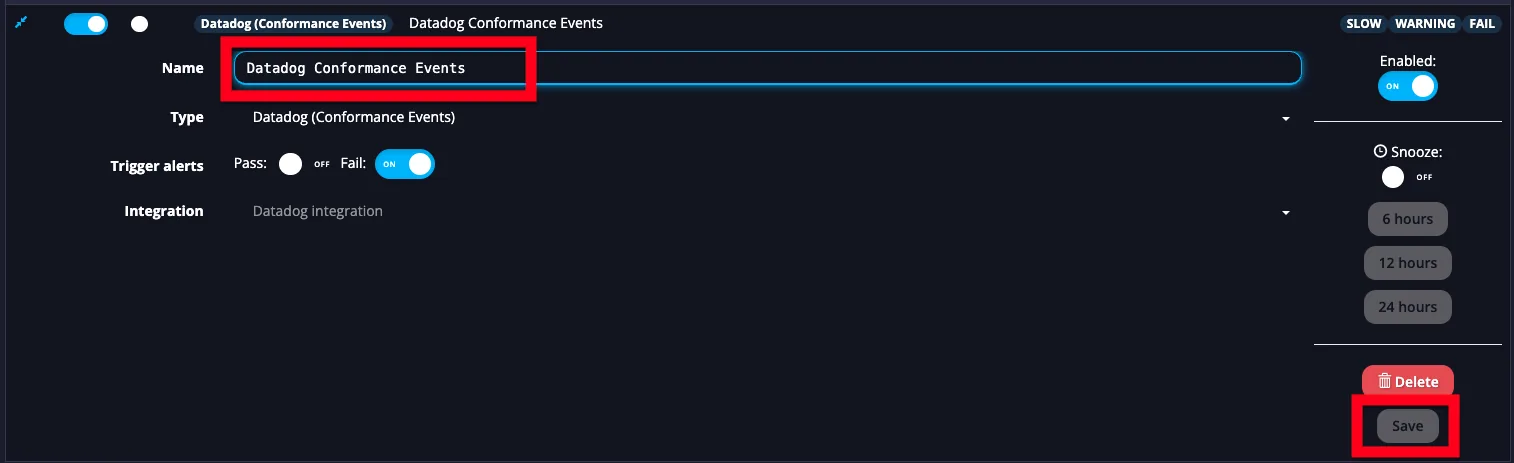
Scroll through the list to the Conformance Events section, and choose Datadog (Conformance Events). From here, you can name your new Datadog Conformance Event.
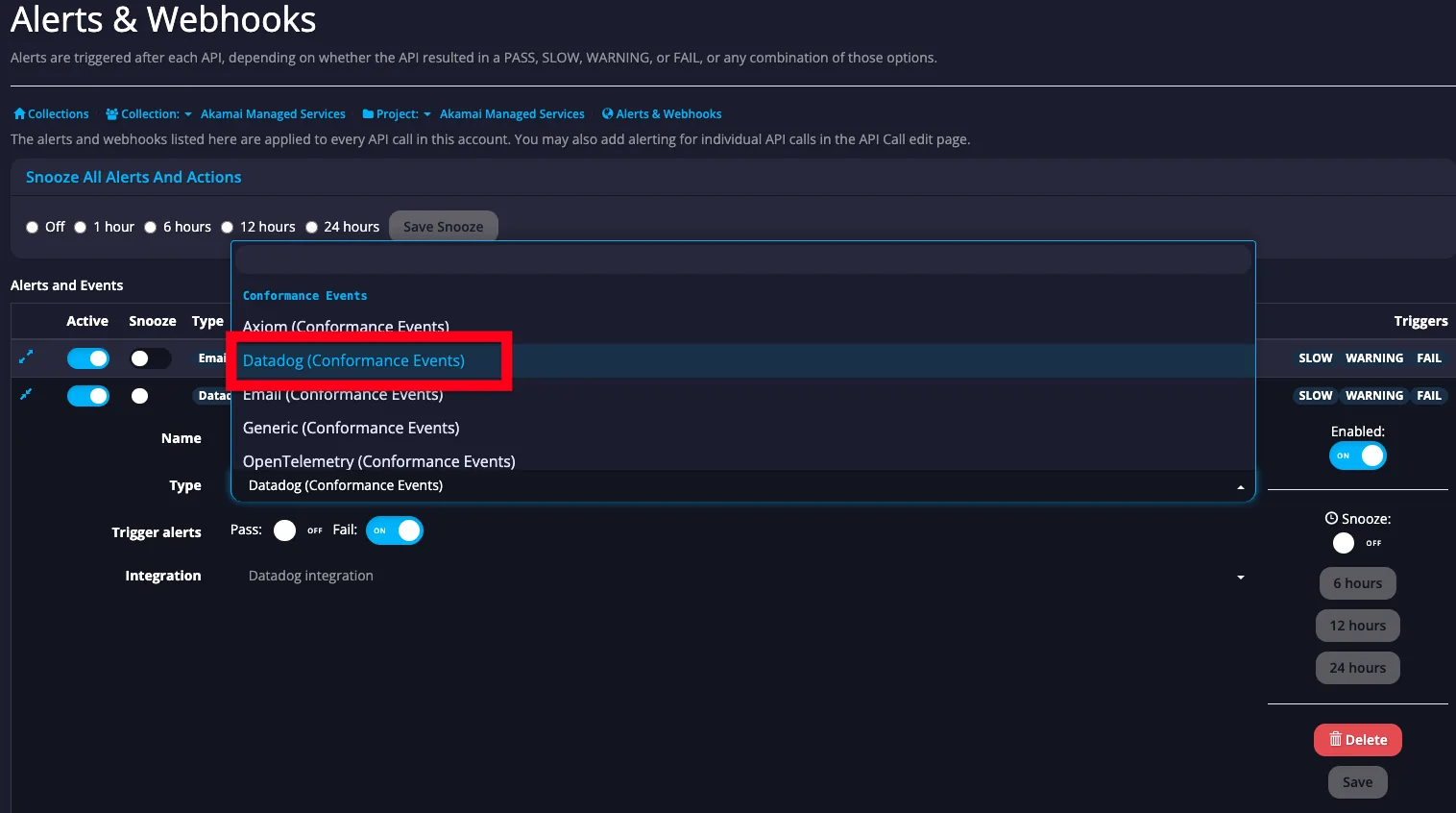
Rename your alert as you wish, and click Save. By default, conformance failures are sent to Datadog. You can also send conformance passes by adjusting the toggle switch.
Validation
Your data will start flowing to Datadog on the next scheduled conformance check.
To trigger a manual conformance check, navigate to the Conformance tab from the left menu.
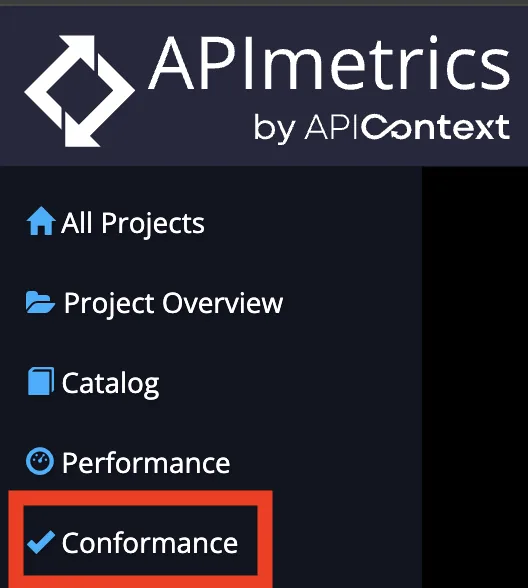
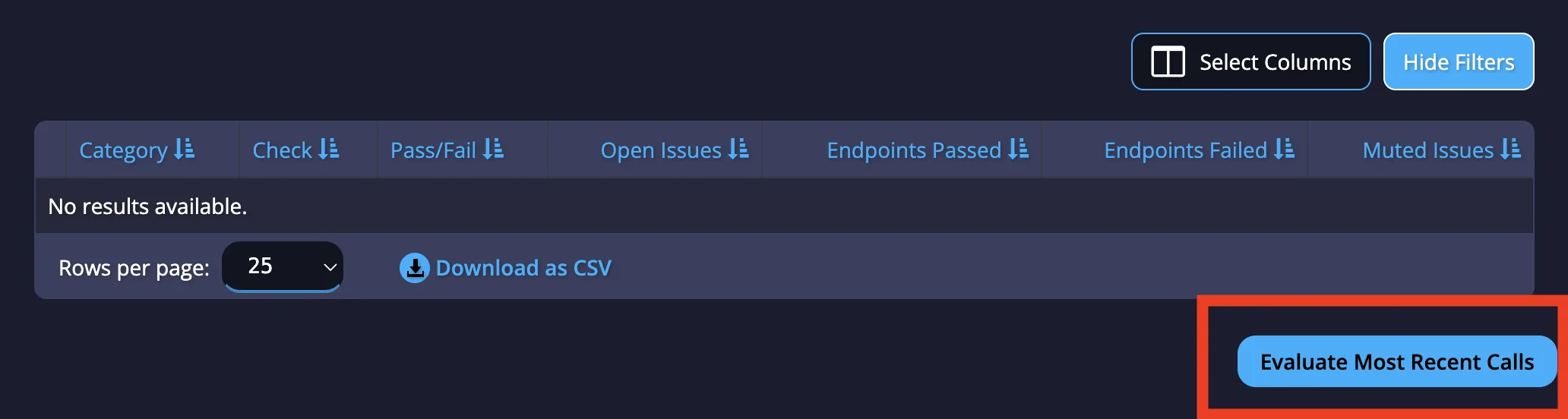
Once there, click "Evaluate Most Recent Calls" on the bottom right corner of the page.