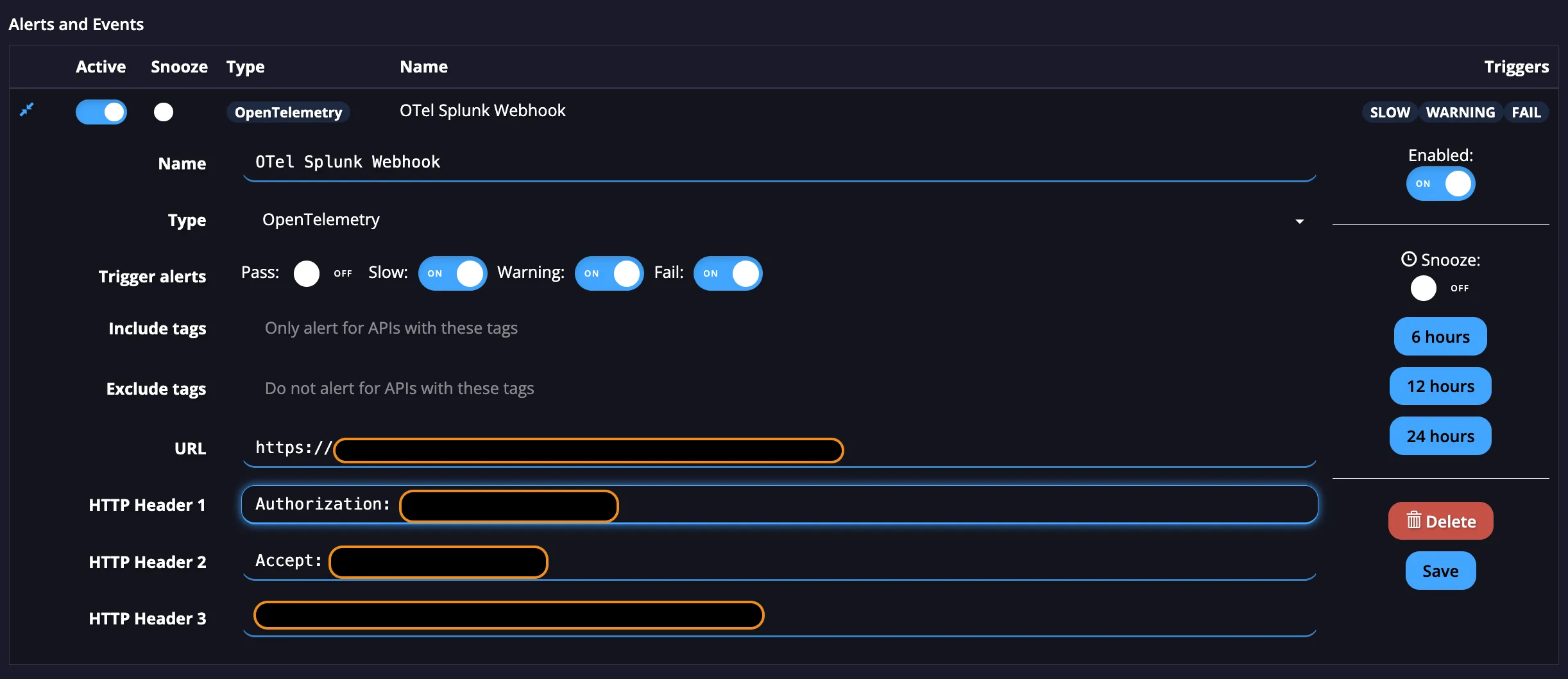
Our OpenTelemetry Webhook allows you to send your API traffic to Splunk.
Create an OpenTelemetry Webhook
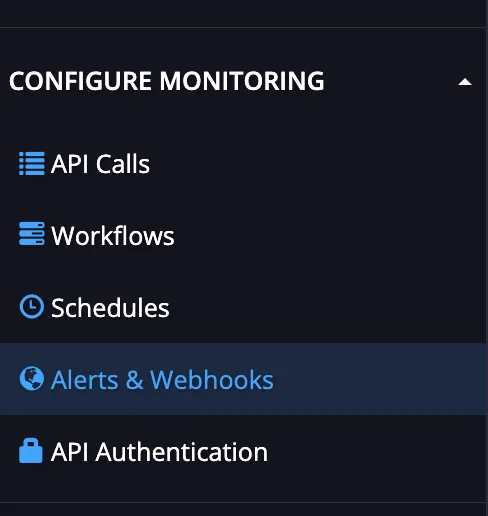
Go to the Configure Monitoring section in the Left-hand Navigation bar and select Alerts & Webhooks.
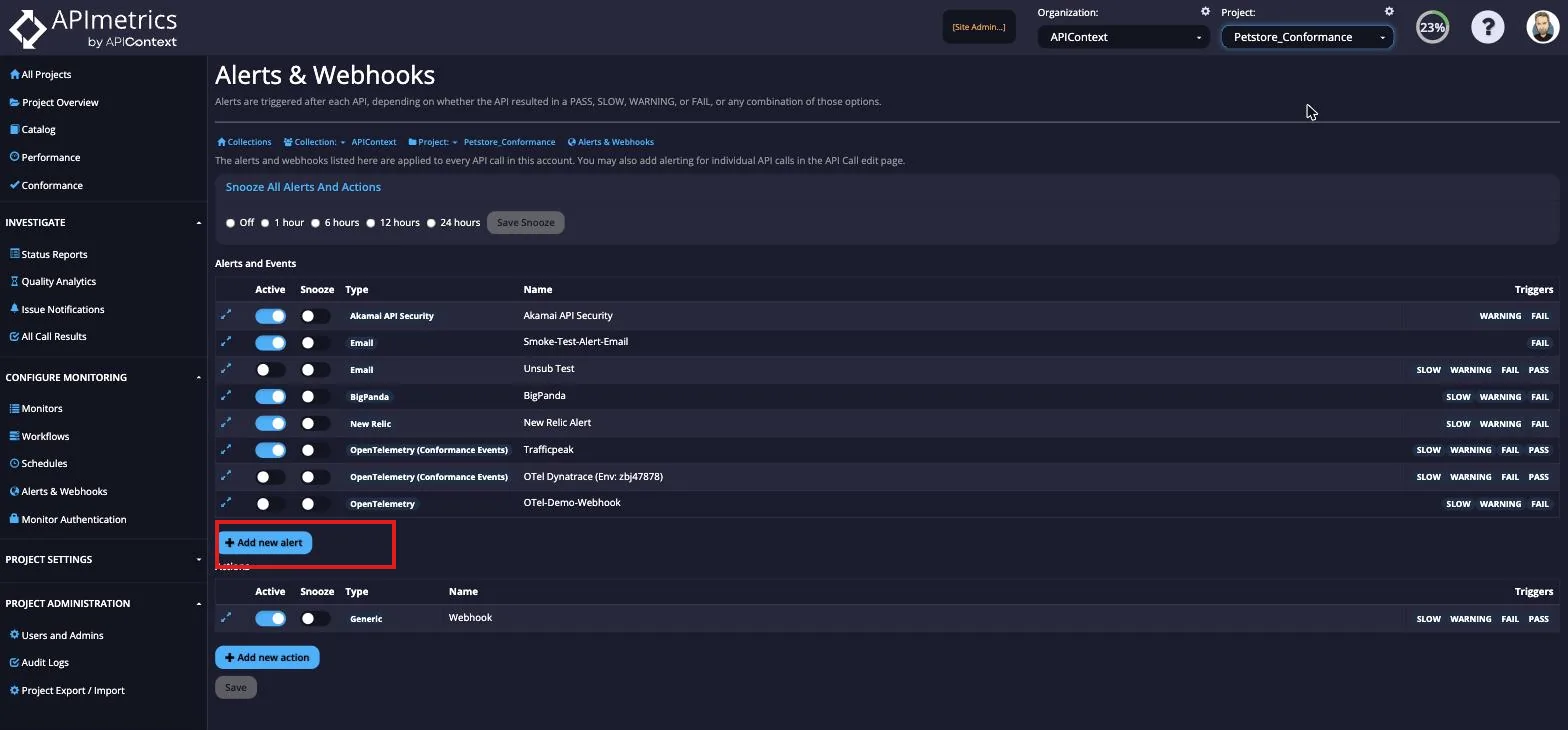
From here, select the Add new alert button.
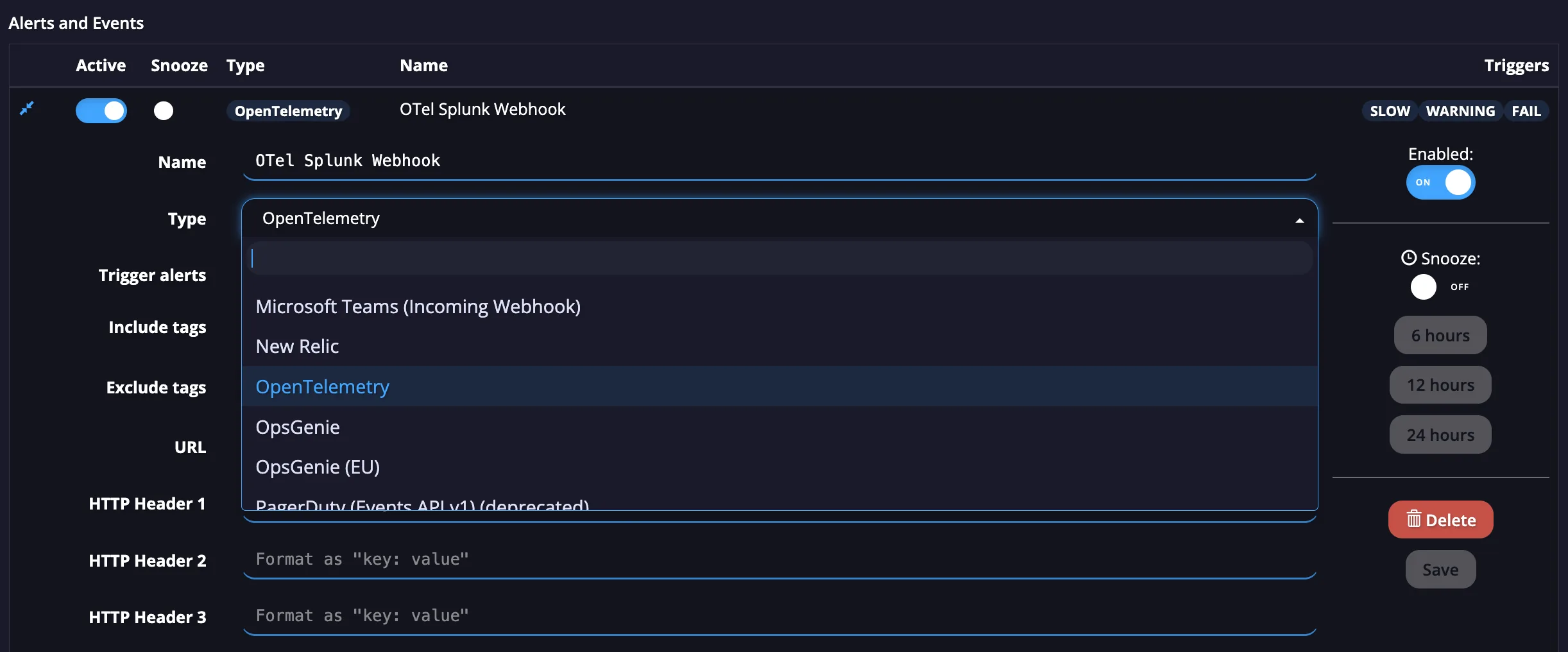
From here, you can name your new Webhook and choose the Type as OpenTelemetry.
You can now choose which API tags to Include and Exclude from the Webhook. To finish the setup, you will need to enter the URL for your desired platform and all HTTP Headers for the platform in their fields.
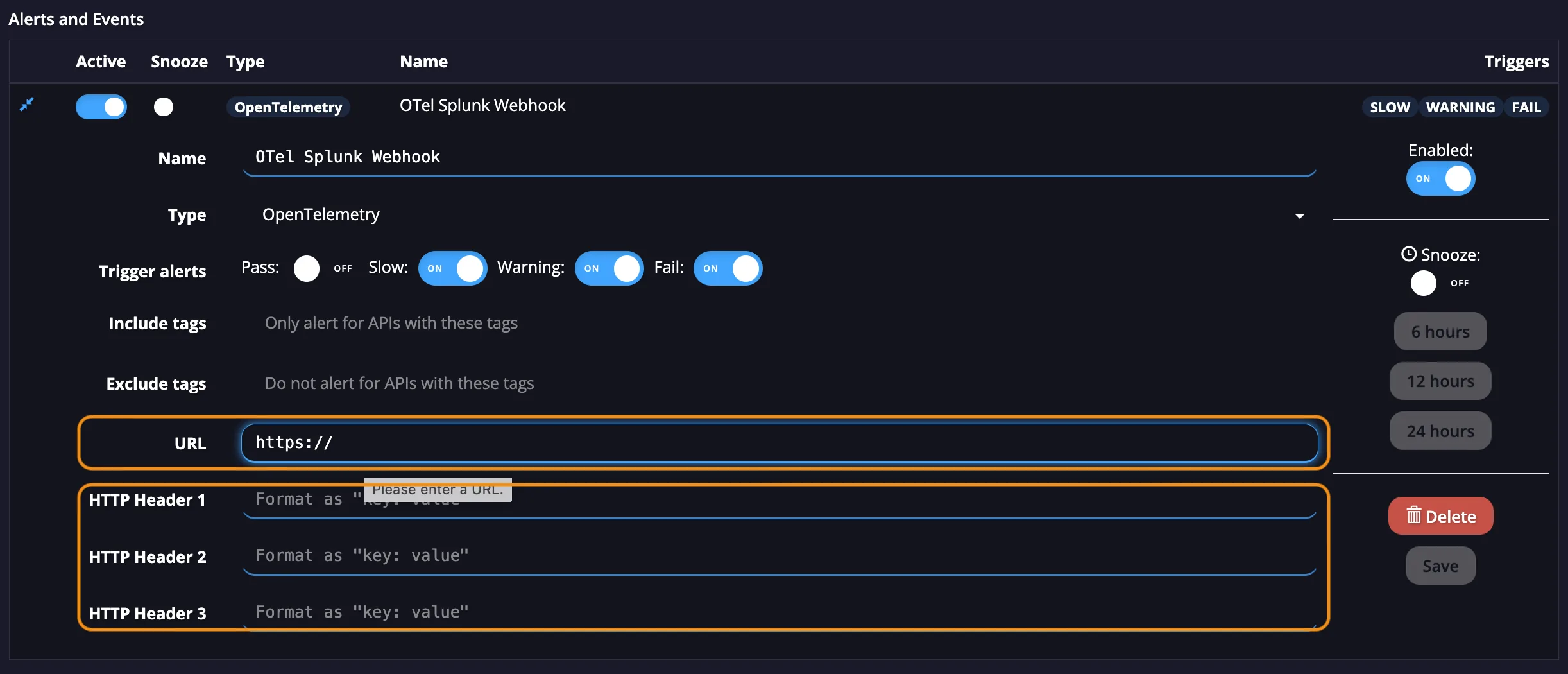
To finalise this Webhook, select the Save button and the Webhook will be finished.